fbpx
Free Canva Mobile Website Templates for Your Link in Bio

Free Canva Mobile Website Templates for Your Link in Bio

October 30, 2026
Your shop, your latest blog post, your booking page. You want people to find them without having to send a different link every time.

That’s where a link in bio page comes in. It gives your important links one home, so people can choose where to go next.

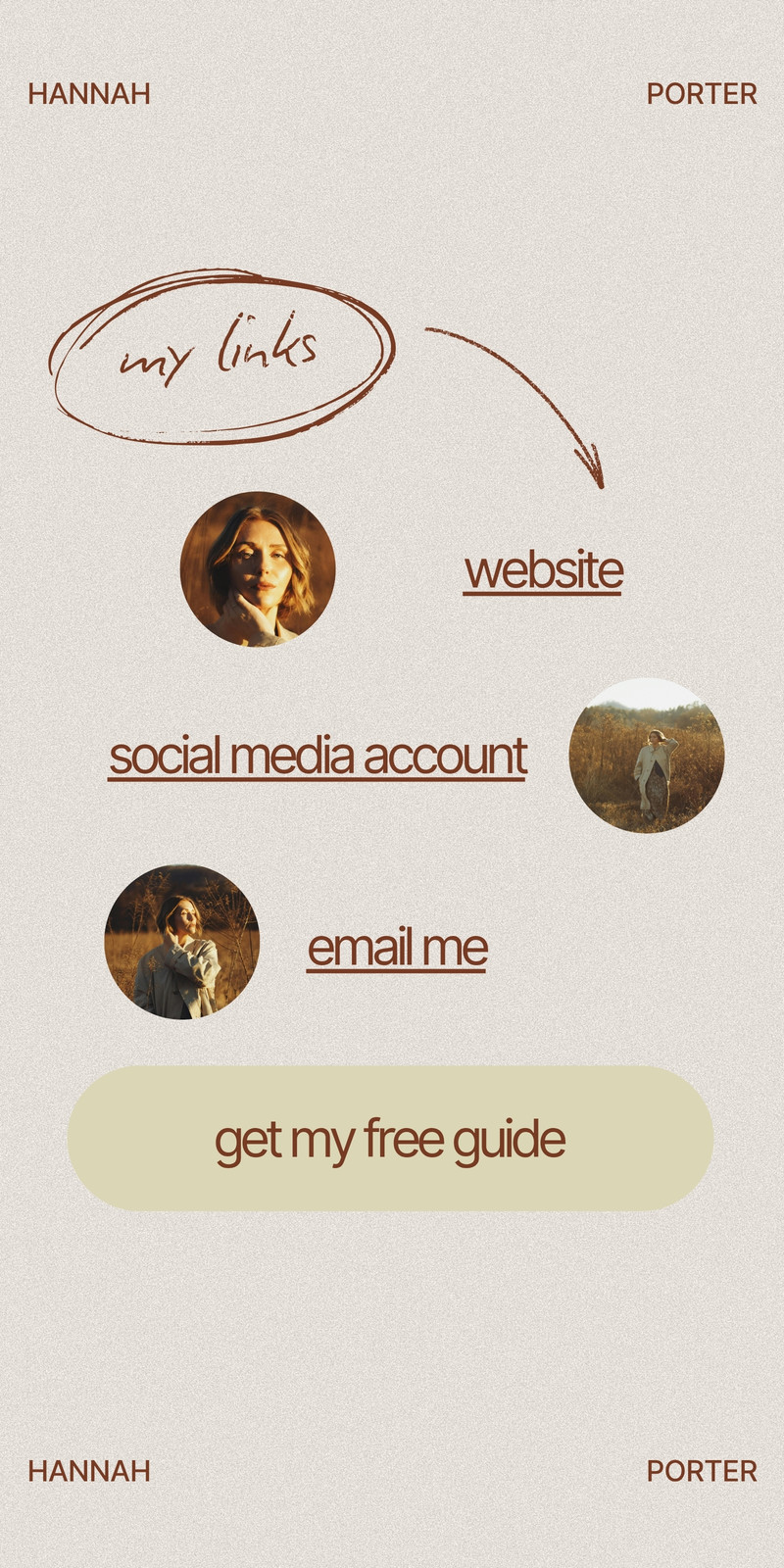
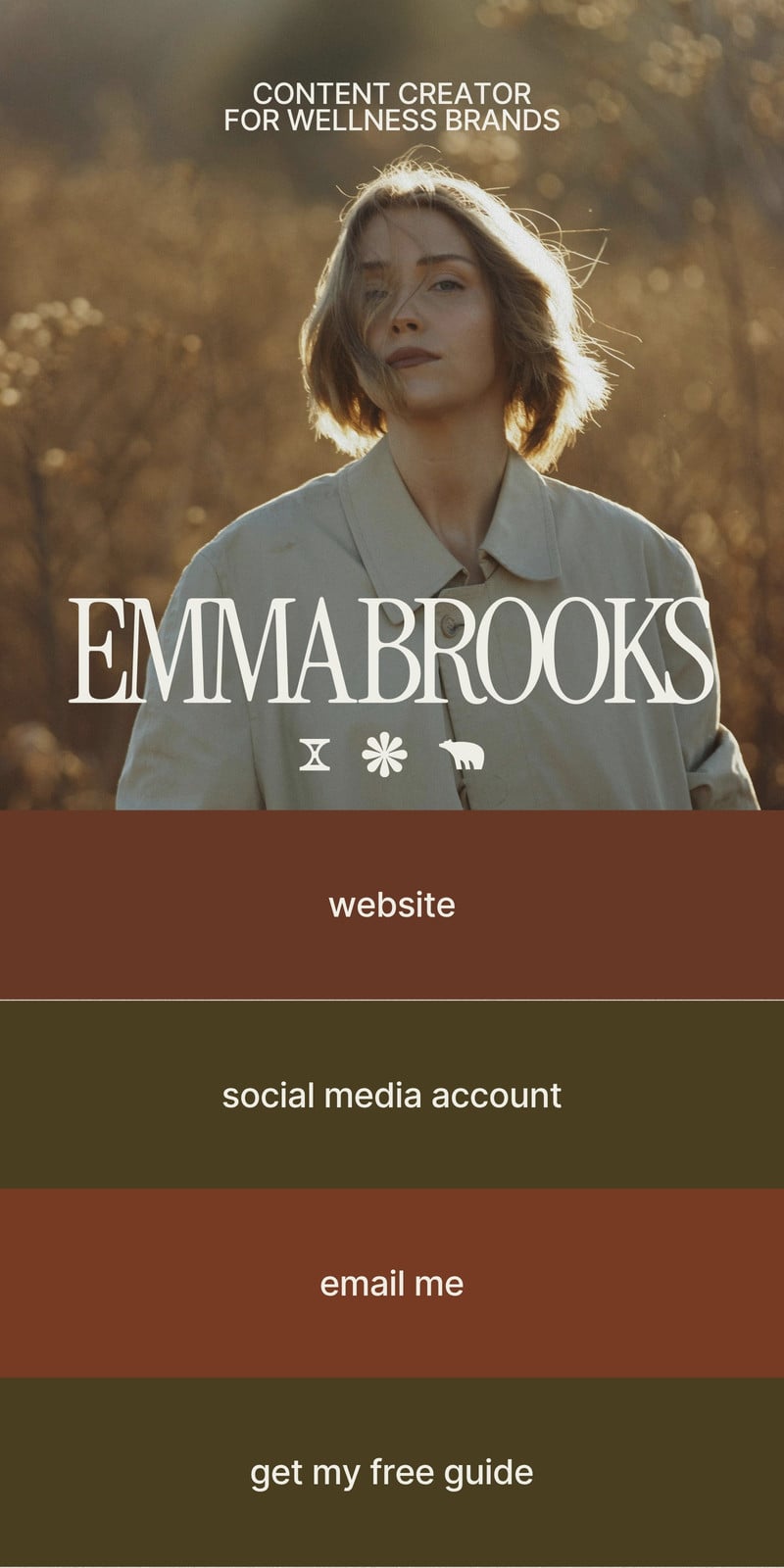
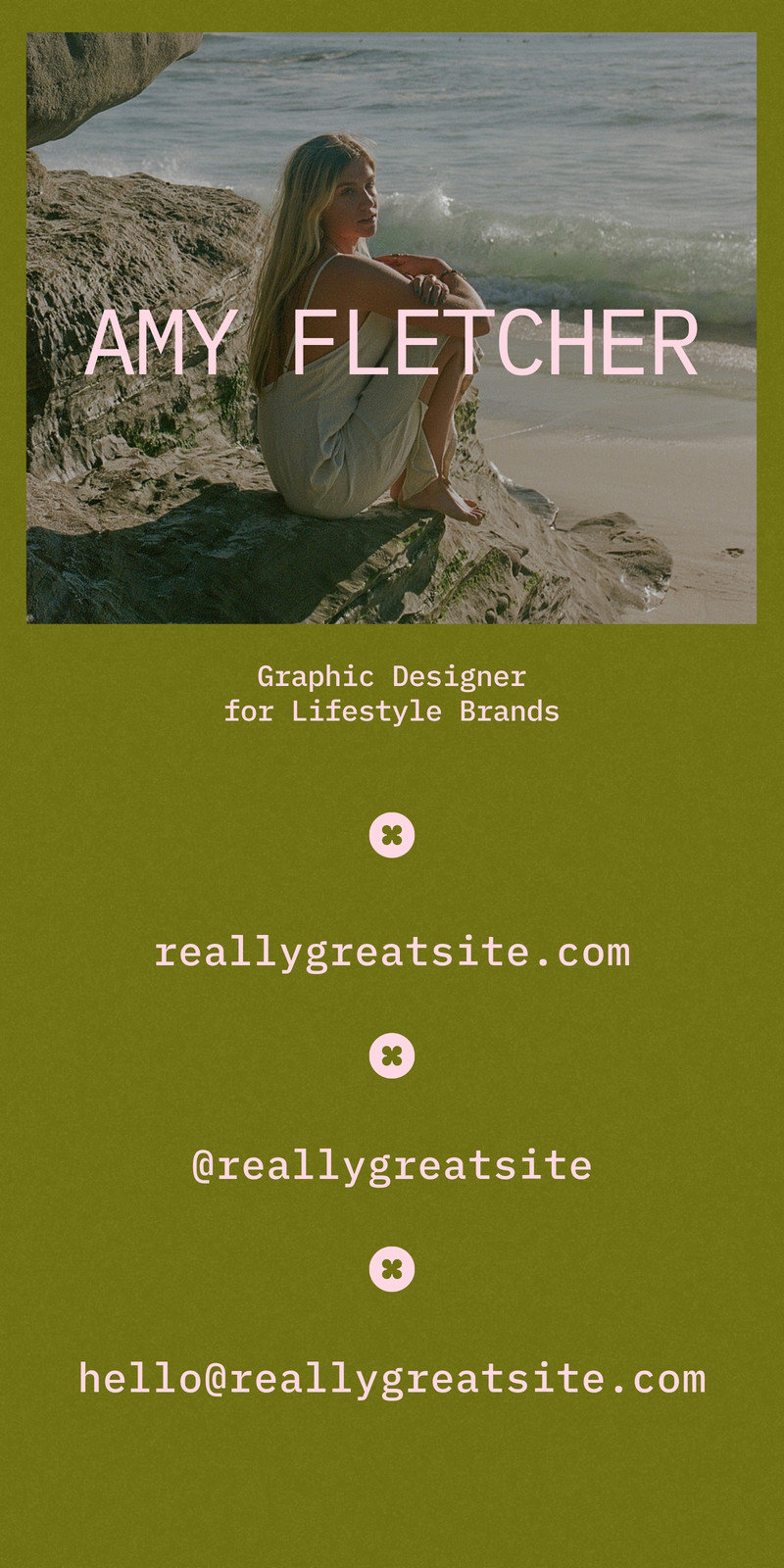
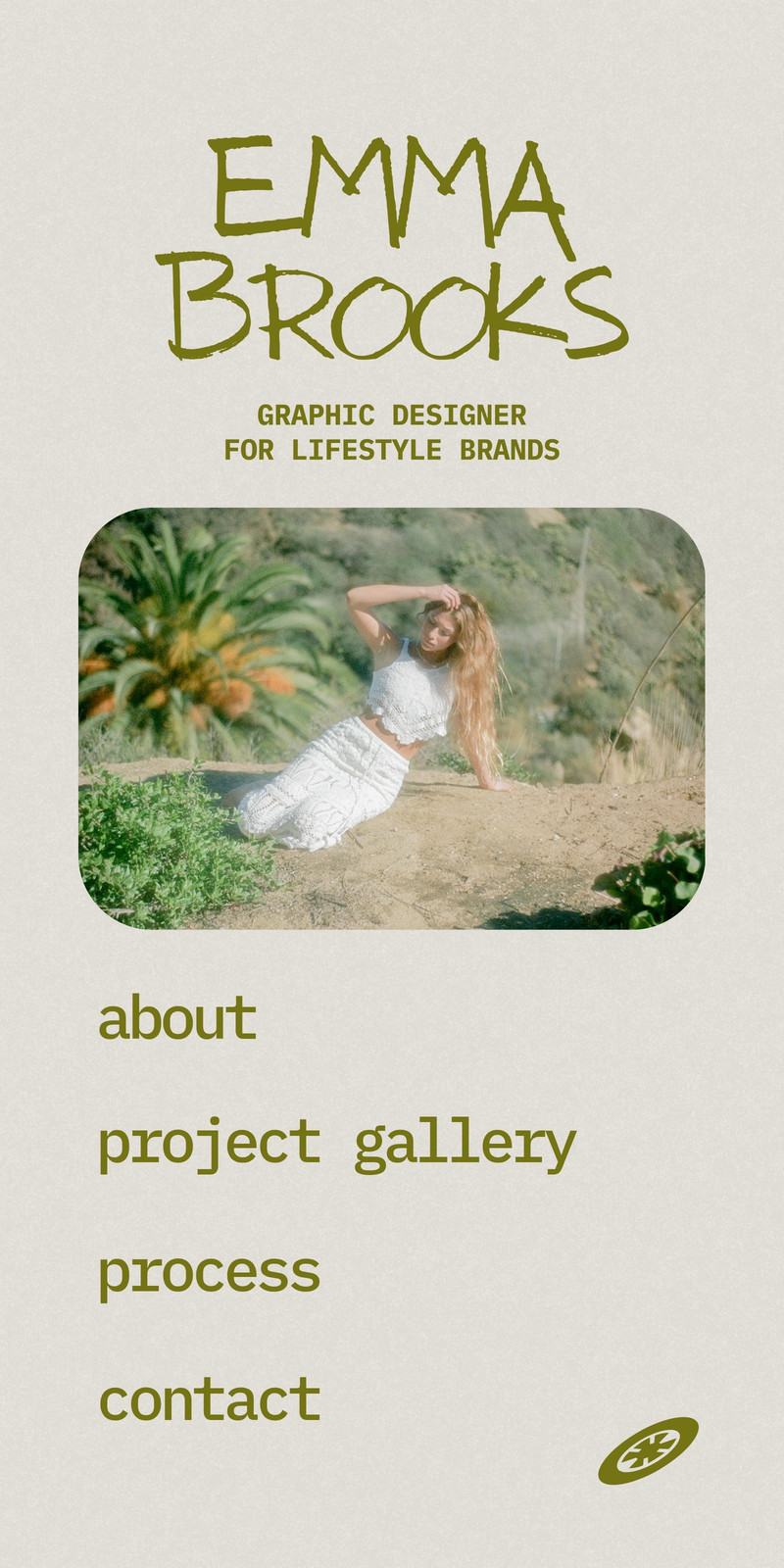
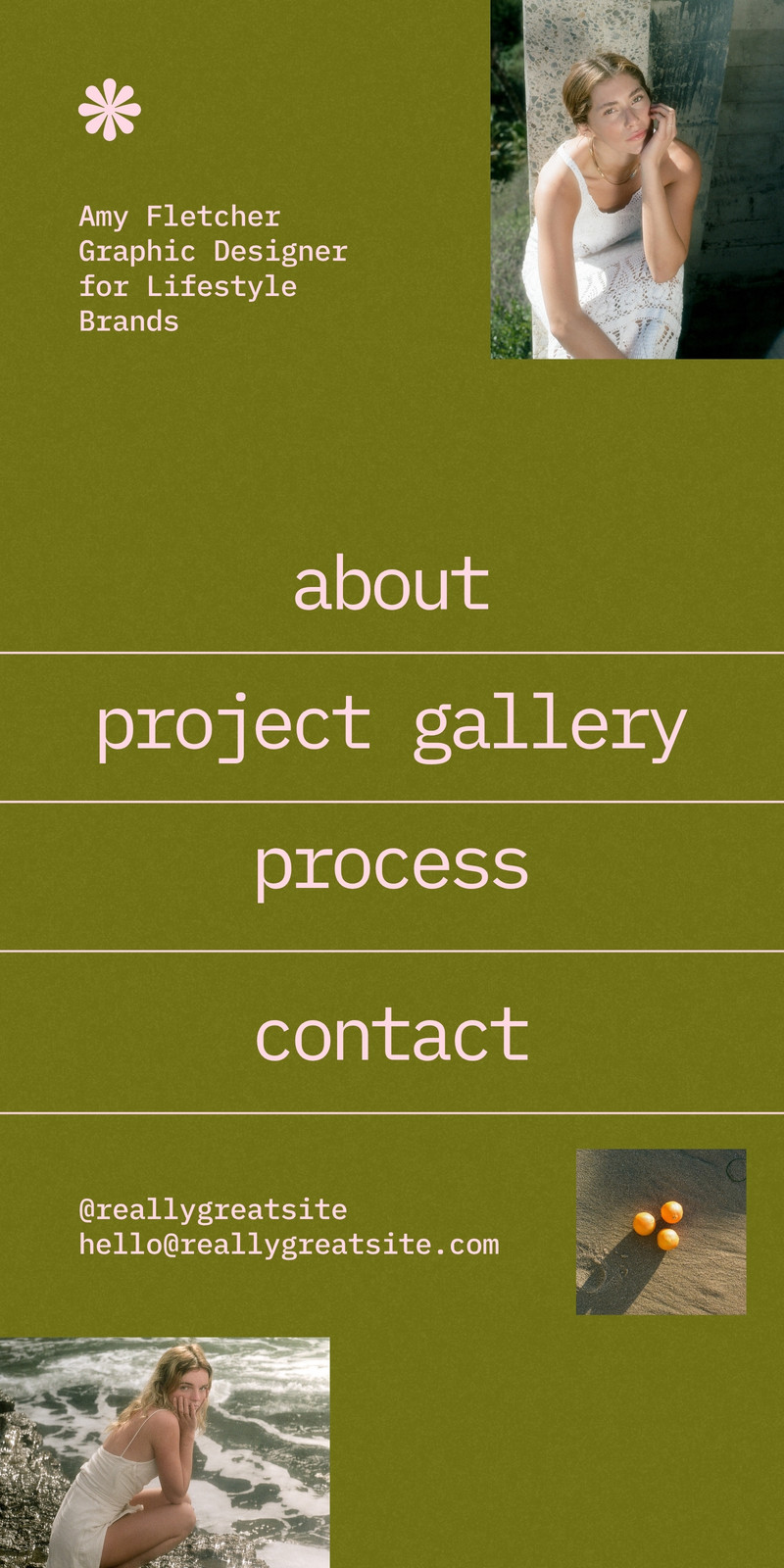
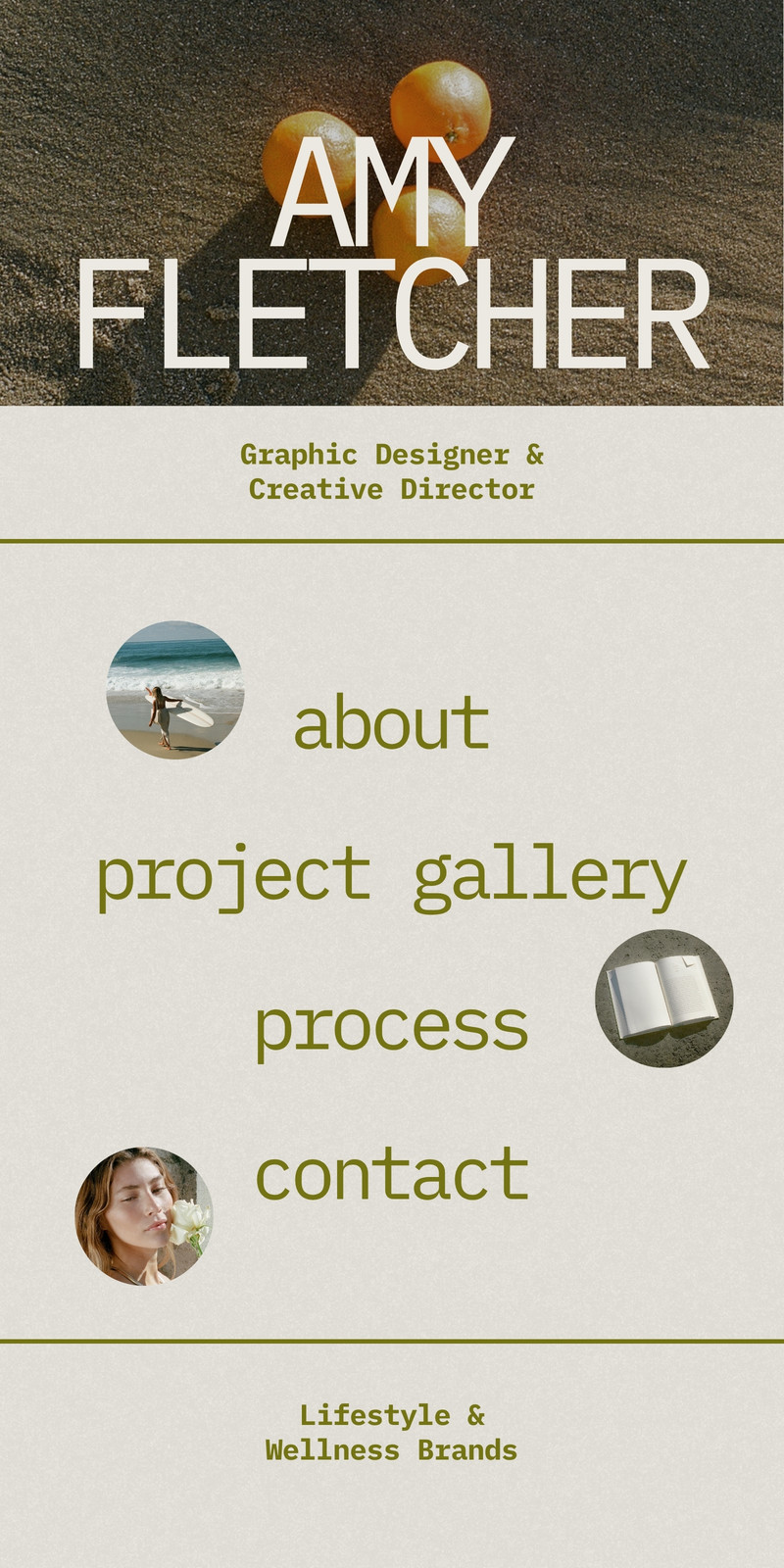
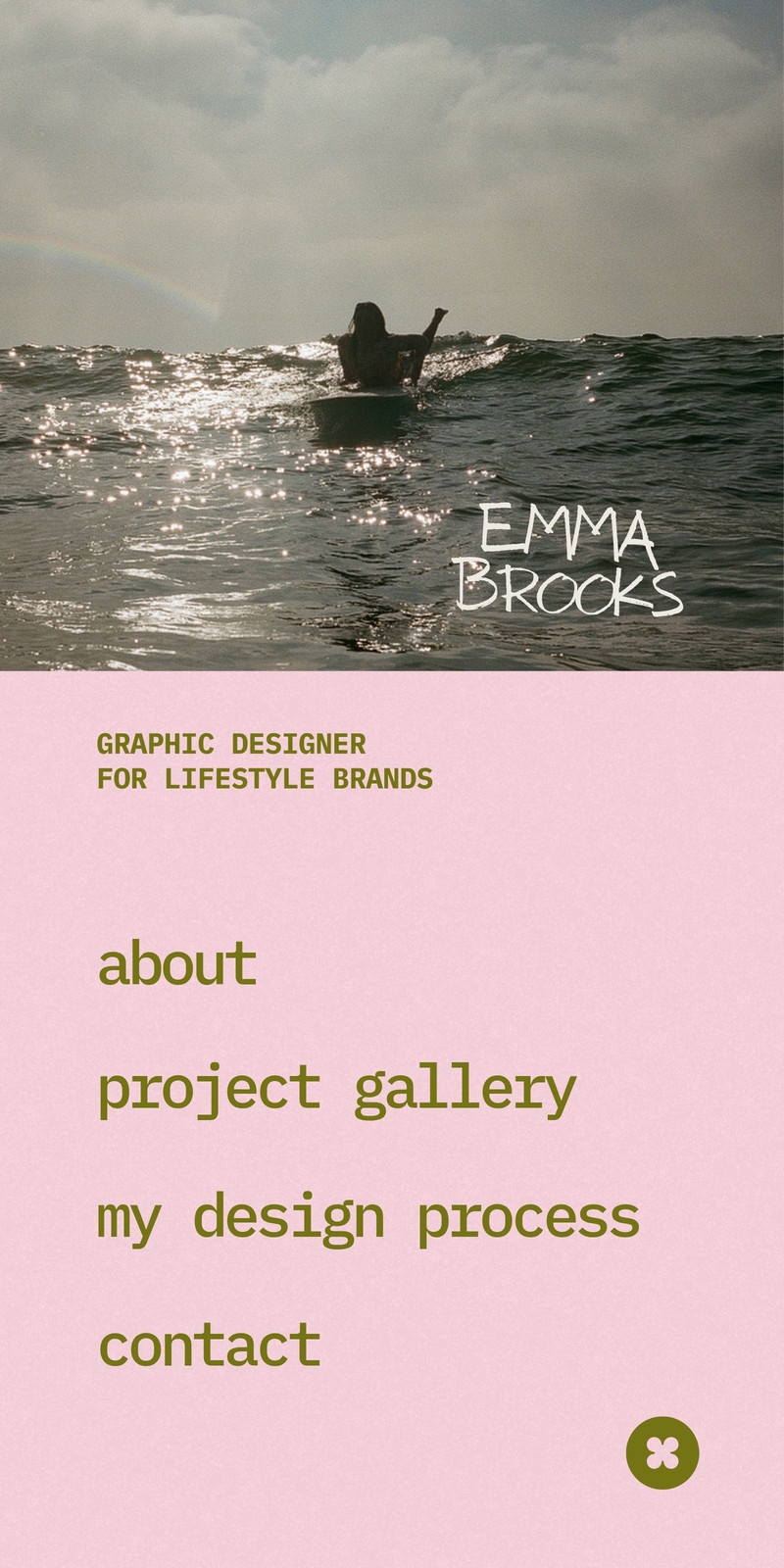
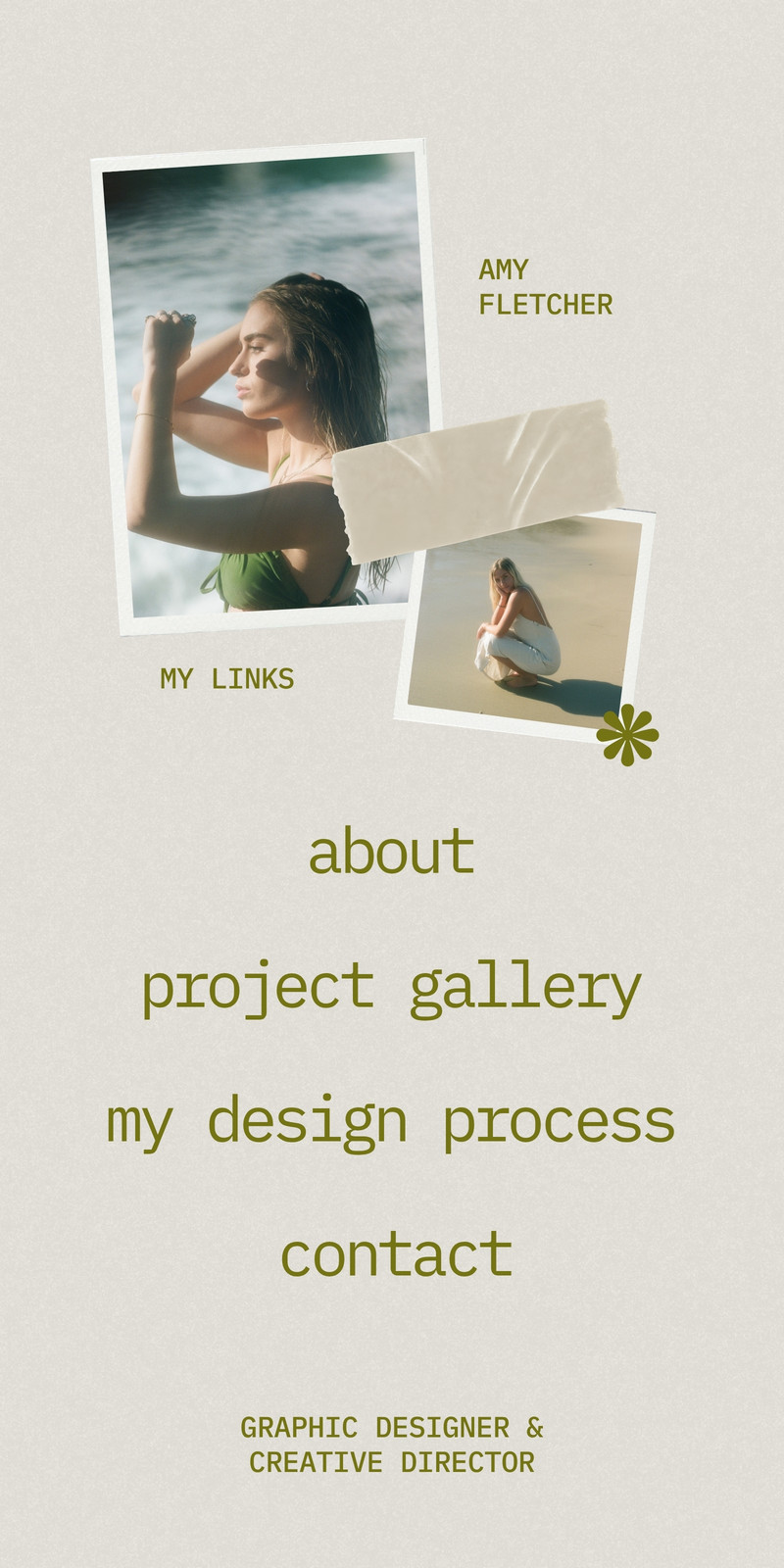
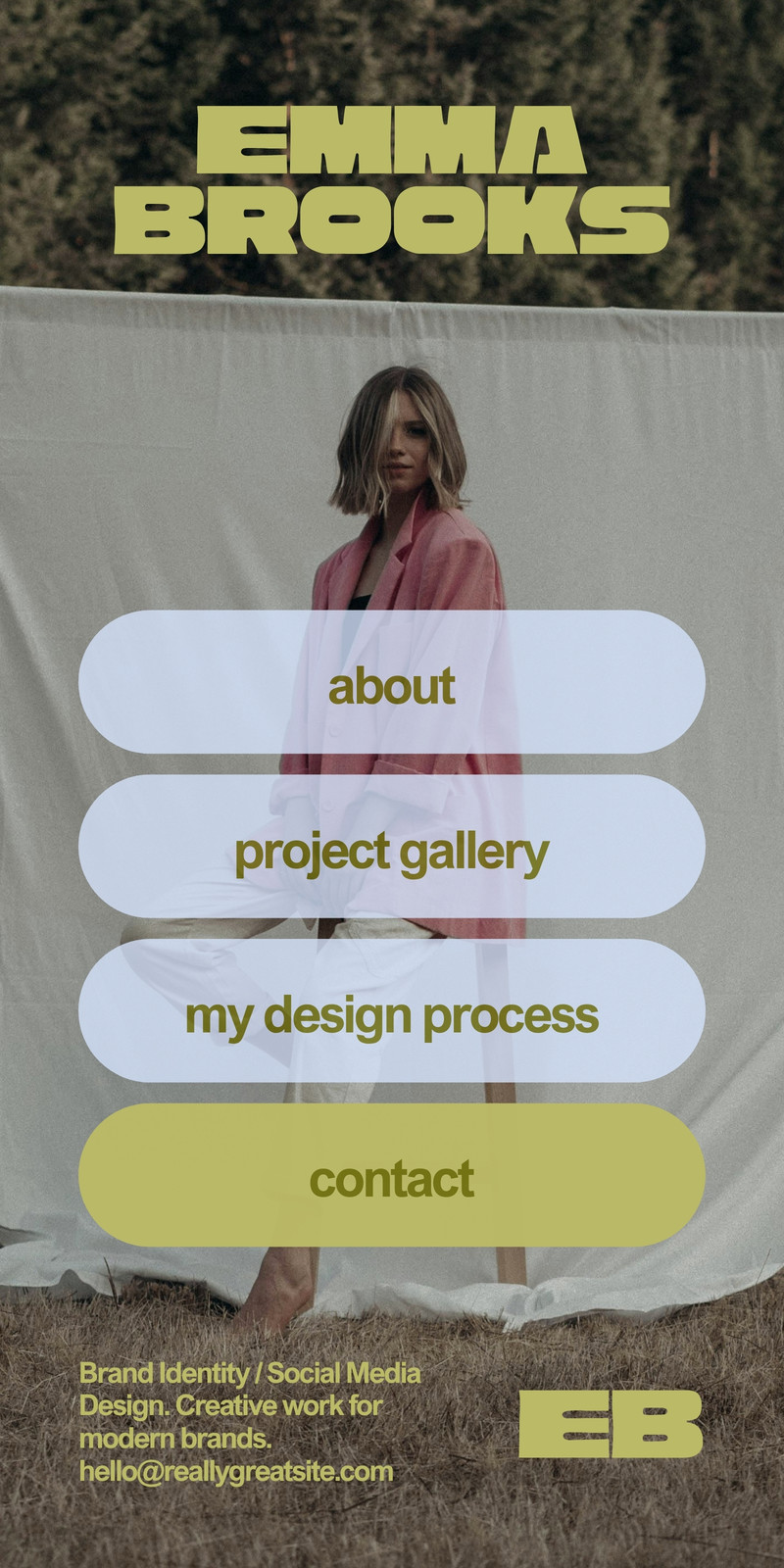
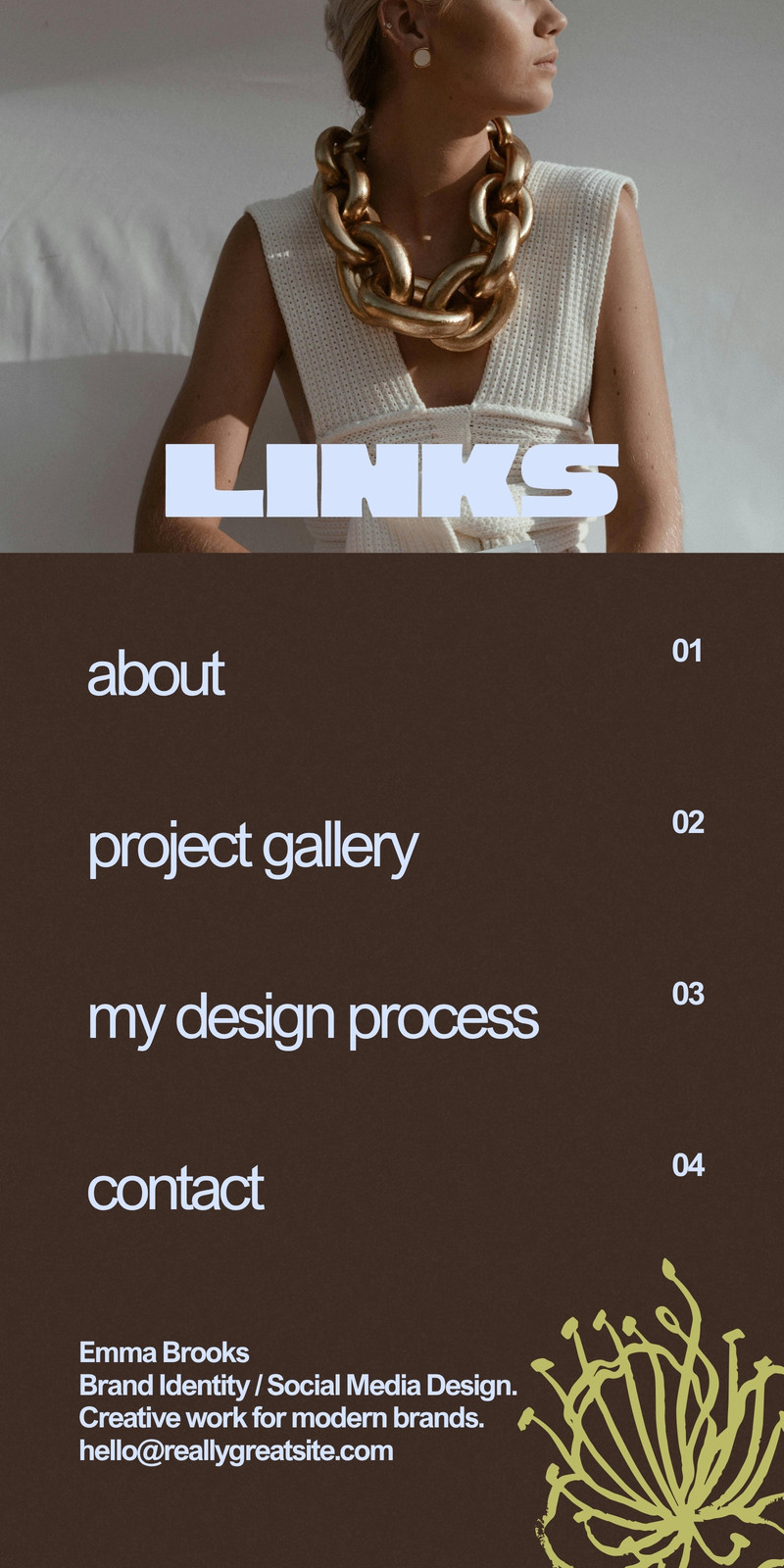
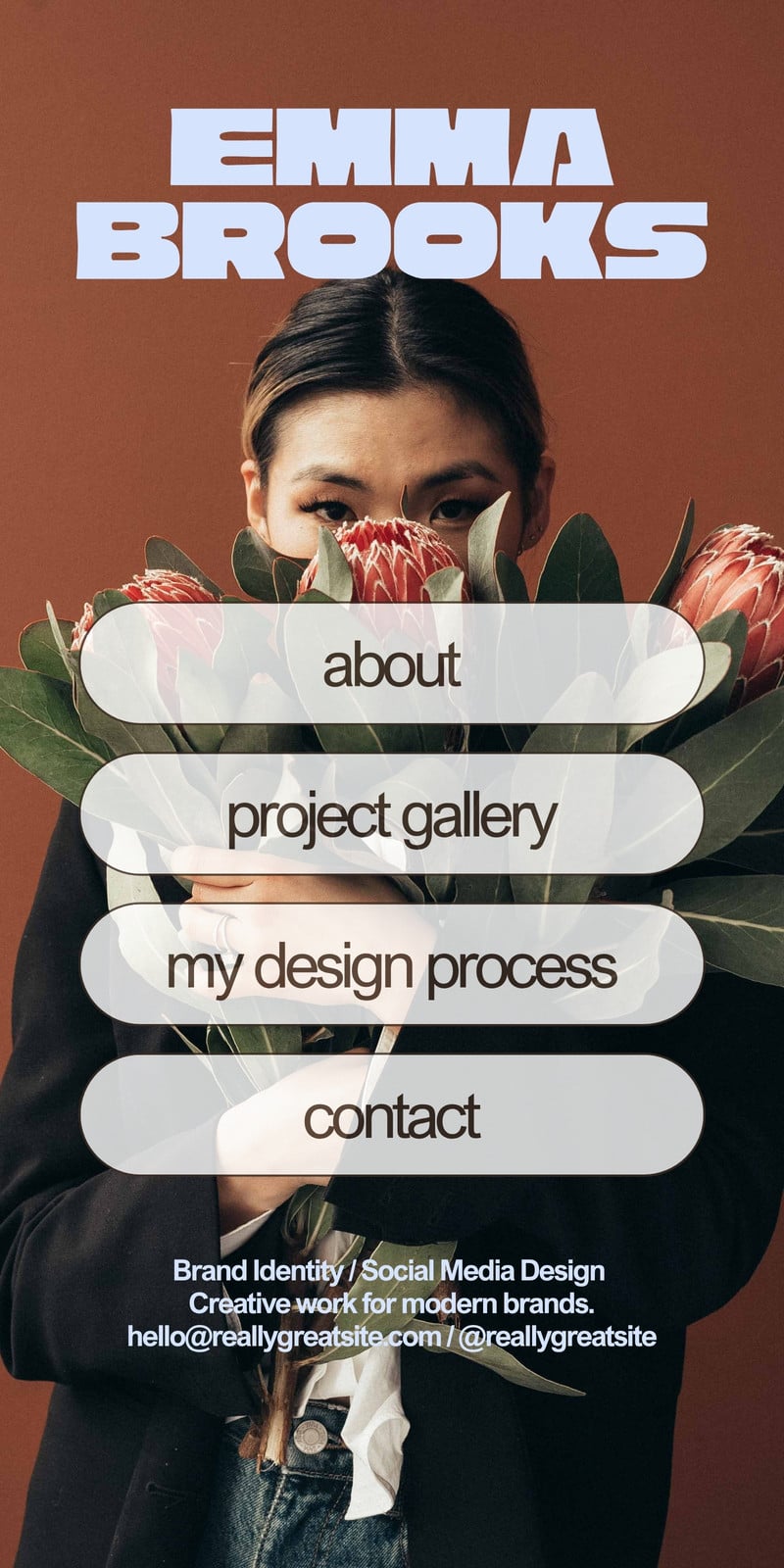
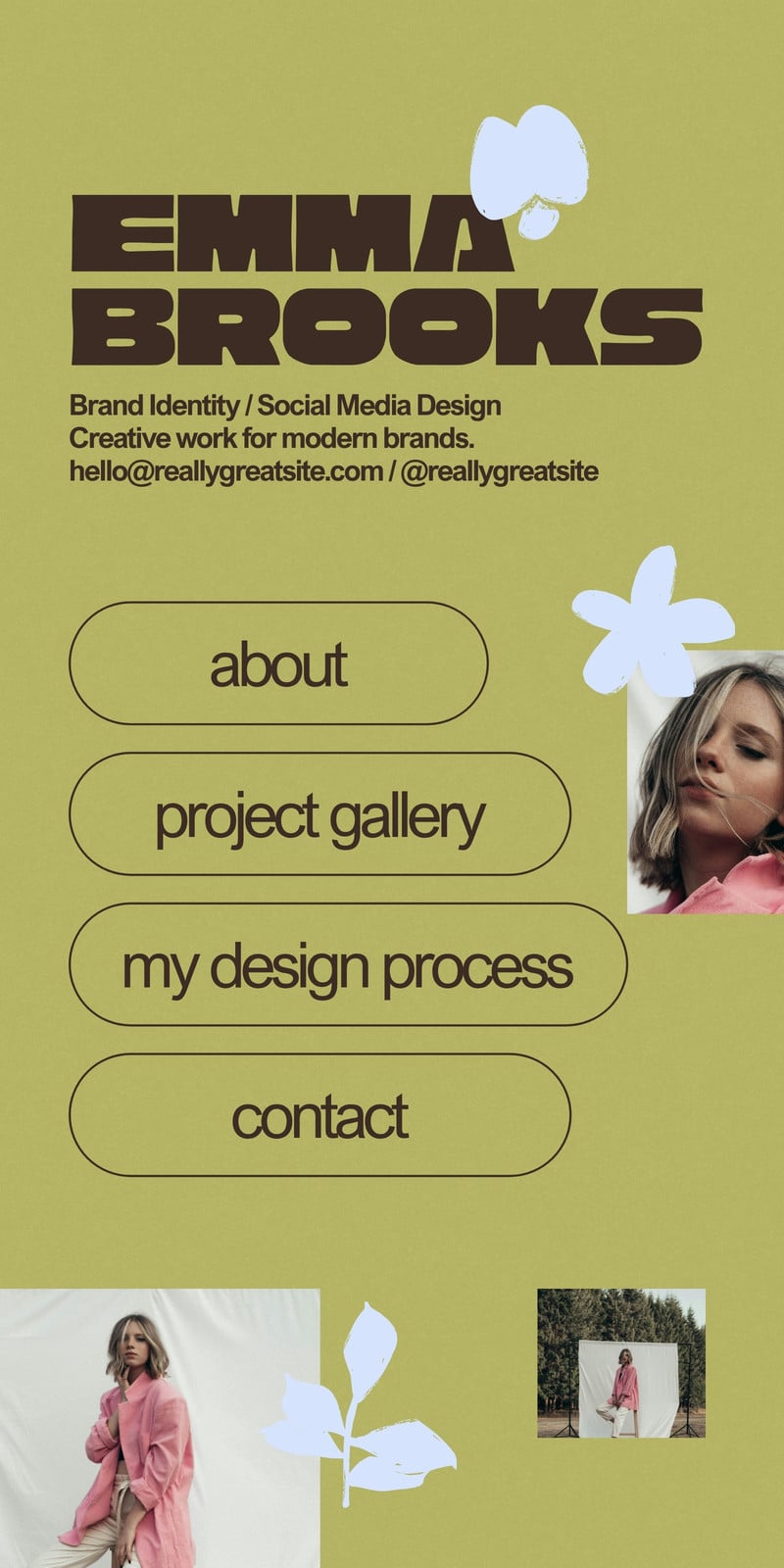
Canva has introduced a new Mobile Website category made specifically for link in bio templates. And we have free templates you can try!

We were among the first Canva Creators invited to create for this new category. We’re happy to share a few starting points to help you make a page that feels like you.

Try Canva Pro Free for 30 Days

Need a Canva account to edit the templates? You can start with a 30-day free trial of Canva Pro and get access to premium fonts, photos, videos, elements, and templates inside Canva.

Disclosure: This post may include affiliate links. We may earn a small commission when you sign up through our link, at no extra cost to you.

What is a Canva Mobile Website?

A Canva Mobile Website is a design format built for link in bio pages. You can introduce yourself, add buttons for your important links, and give visitors a simple way to find your work, products, or content.

Think of it as a small welcome page for someone who has just found you on social media.

They might want to browse your shop, read something you mentioned in a post, or learn how to work with you. Your page helps them take that next step.

What’s new about this category?

Some link in bio templates were previously listed under Canva’s Your Story category. Canva now has a dedicated Mobile Website category for these designs, with button elements and supported social media icons.

For you, that means a more specific place to look when you want to create a link in bio page.

You can start with a template, add your own details, and arrange your links around what matters most to your audience.

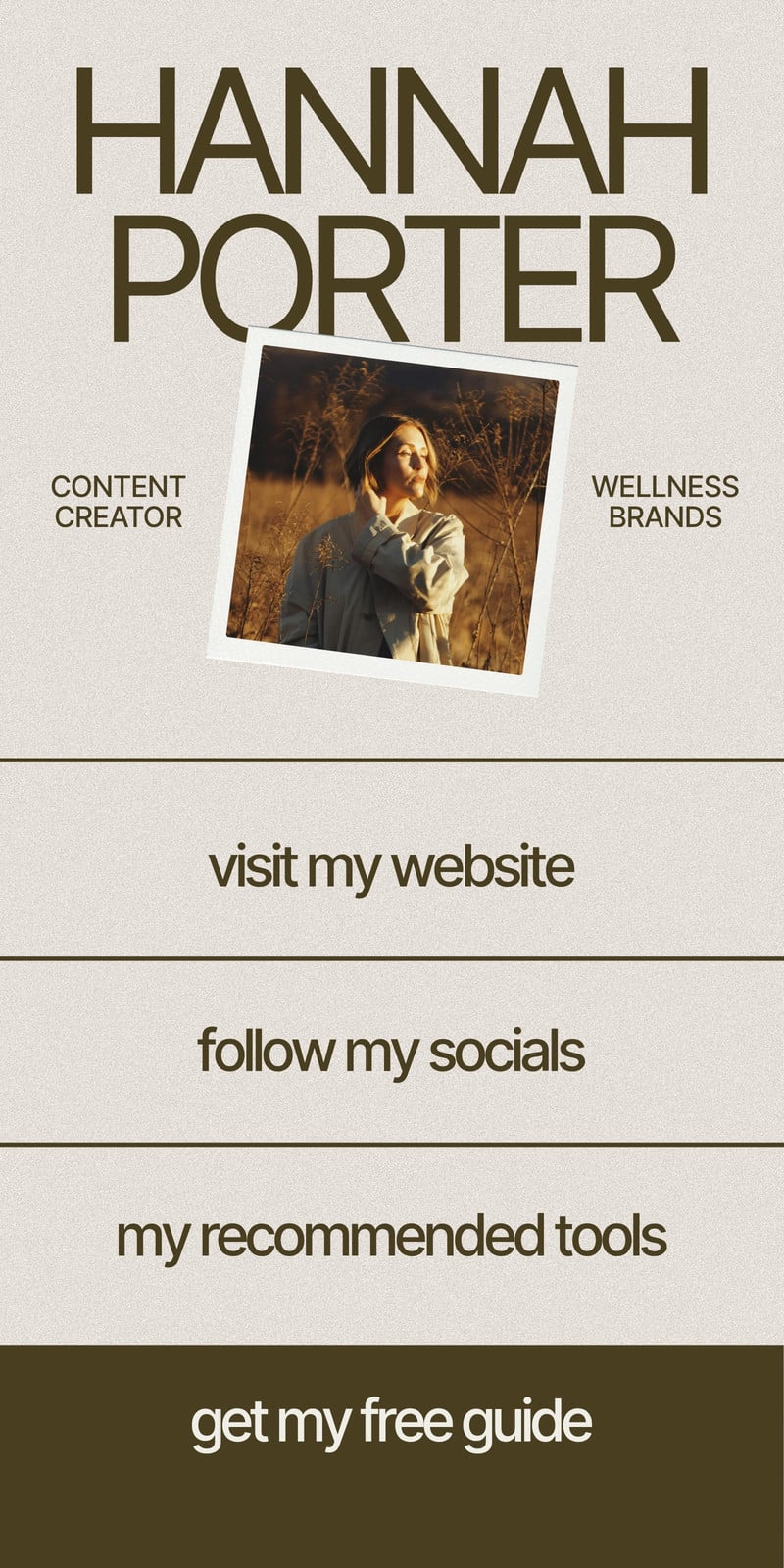
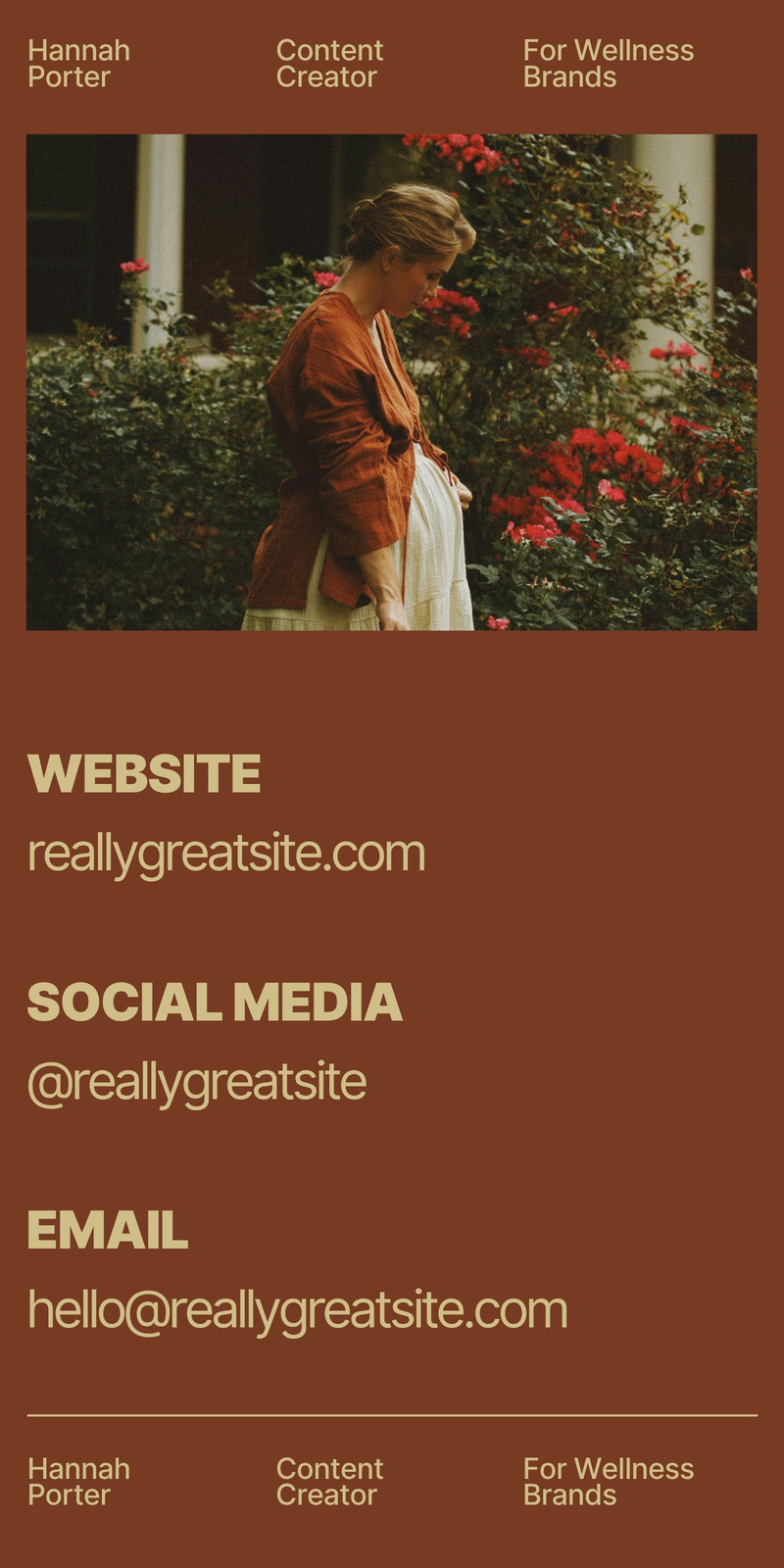
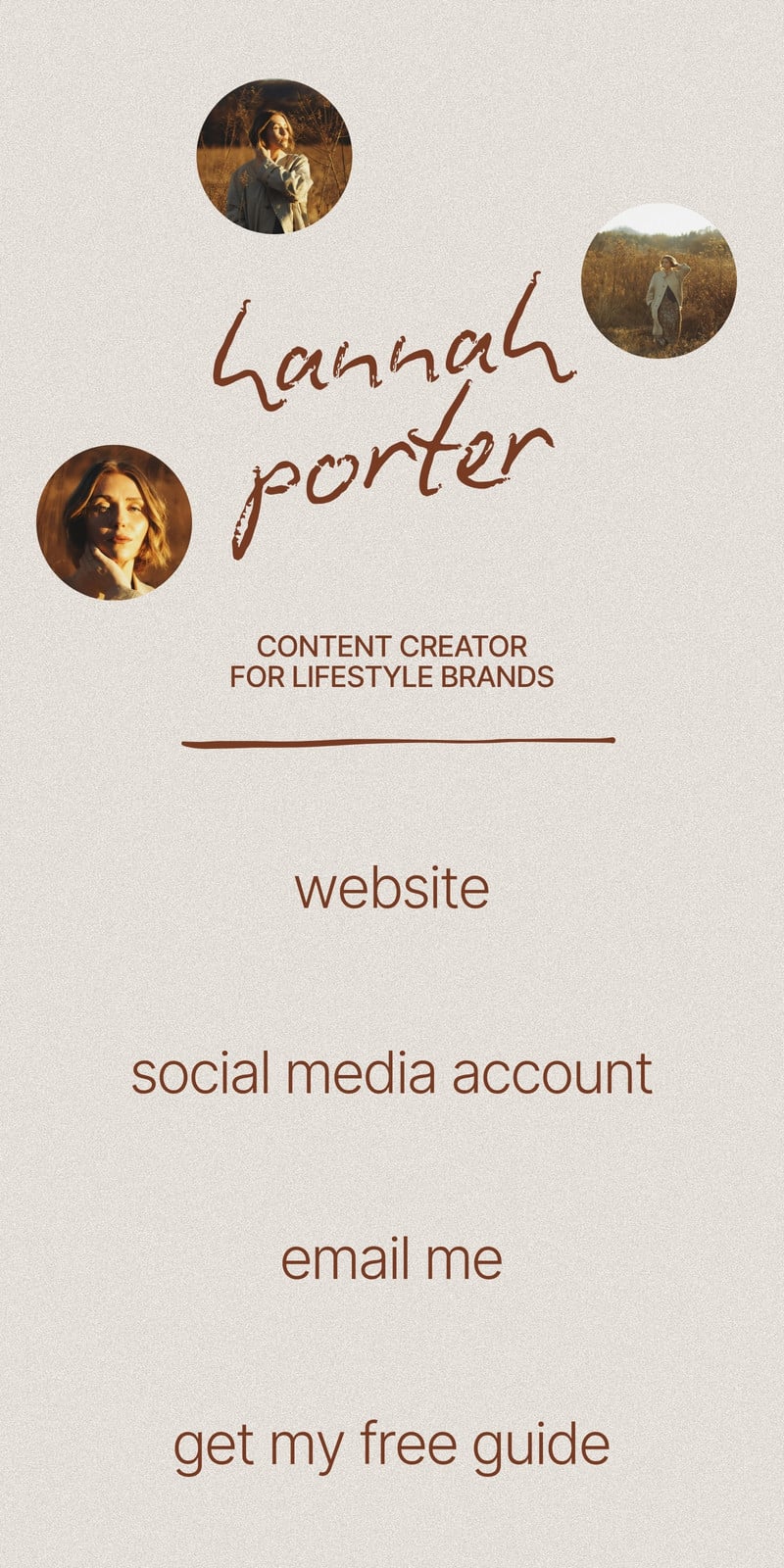
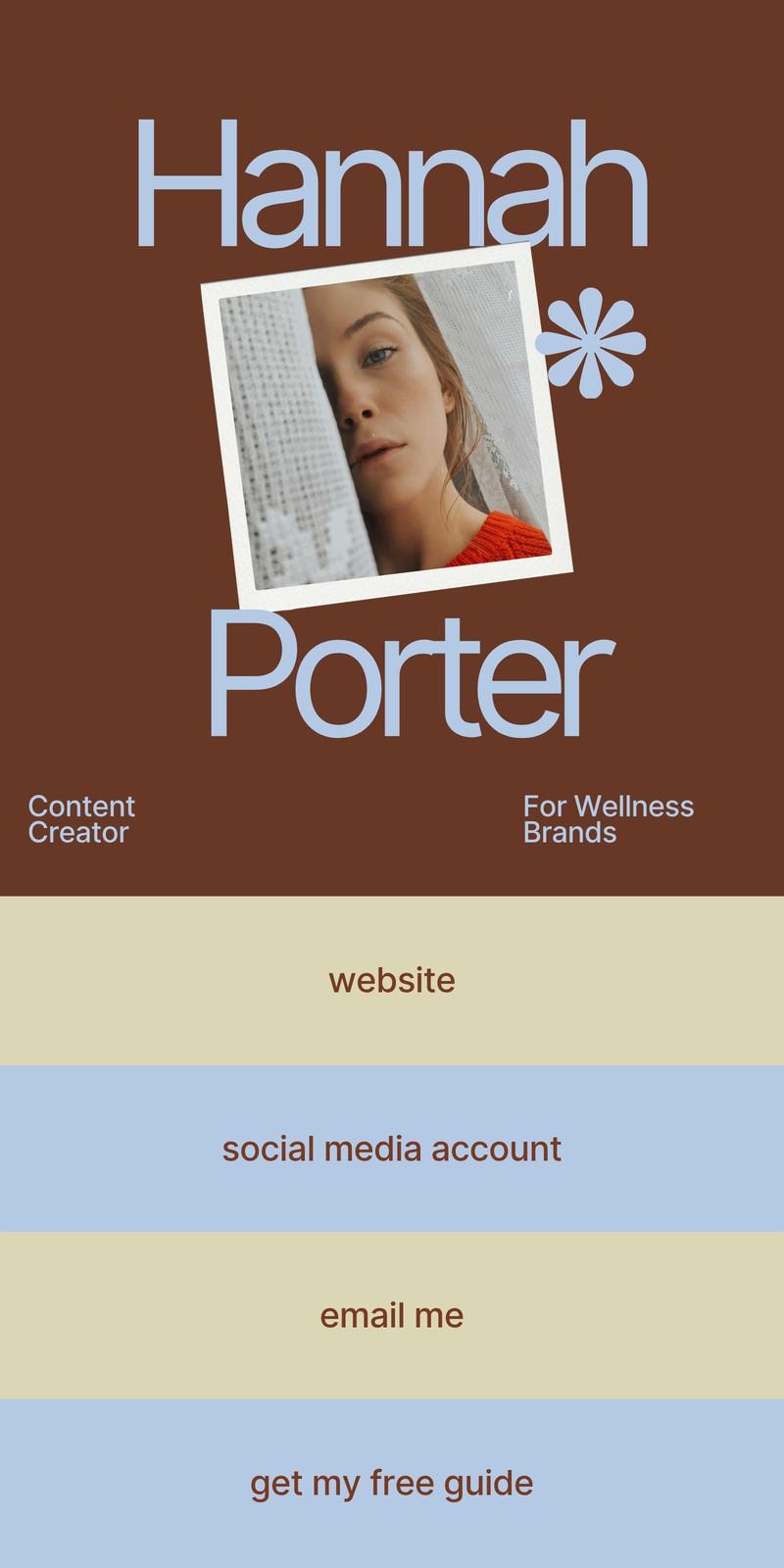
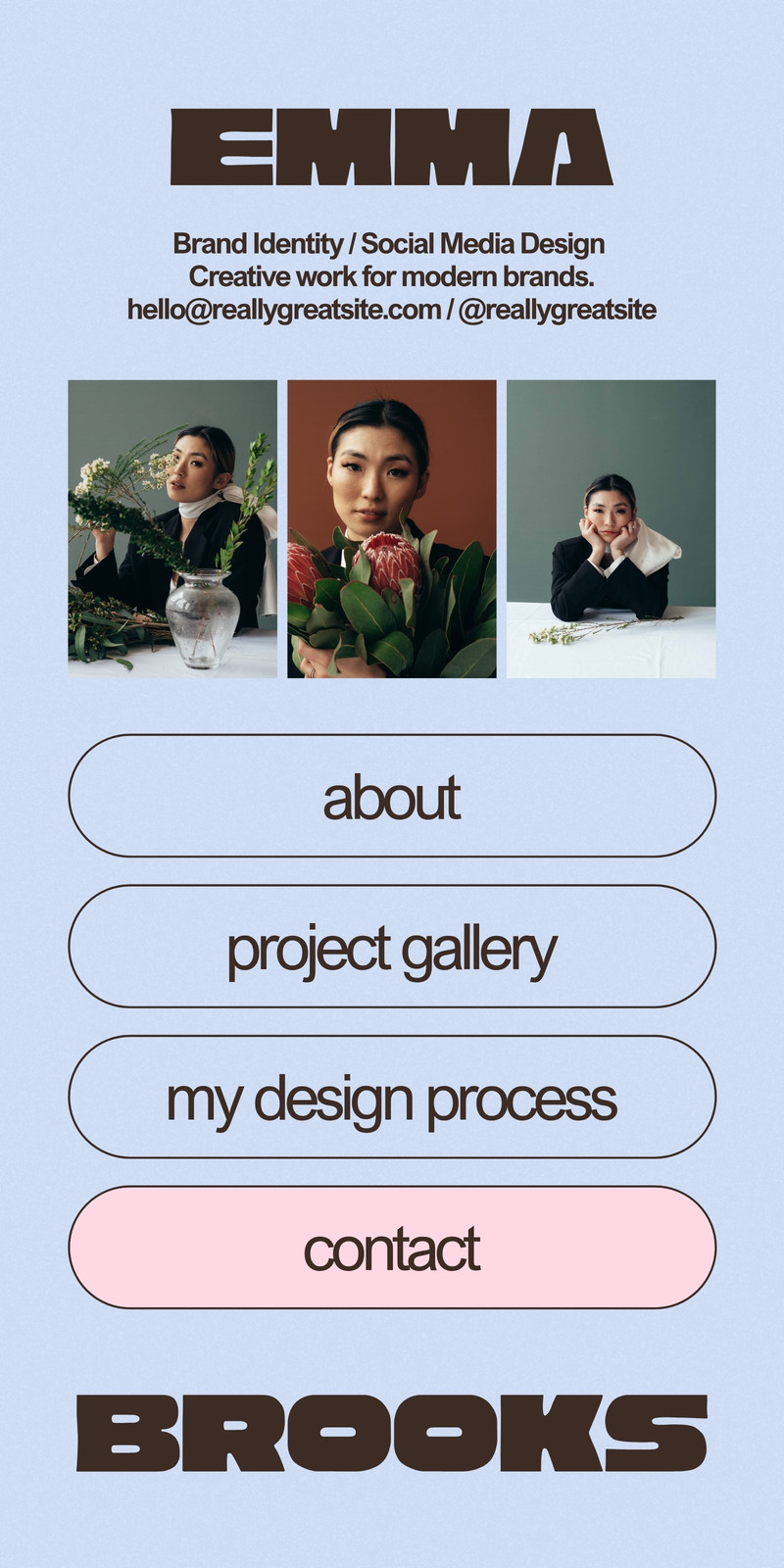
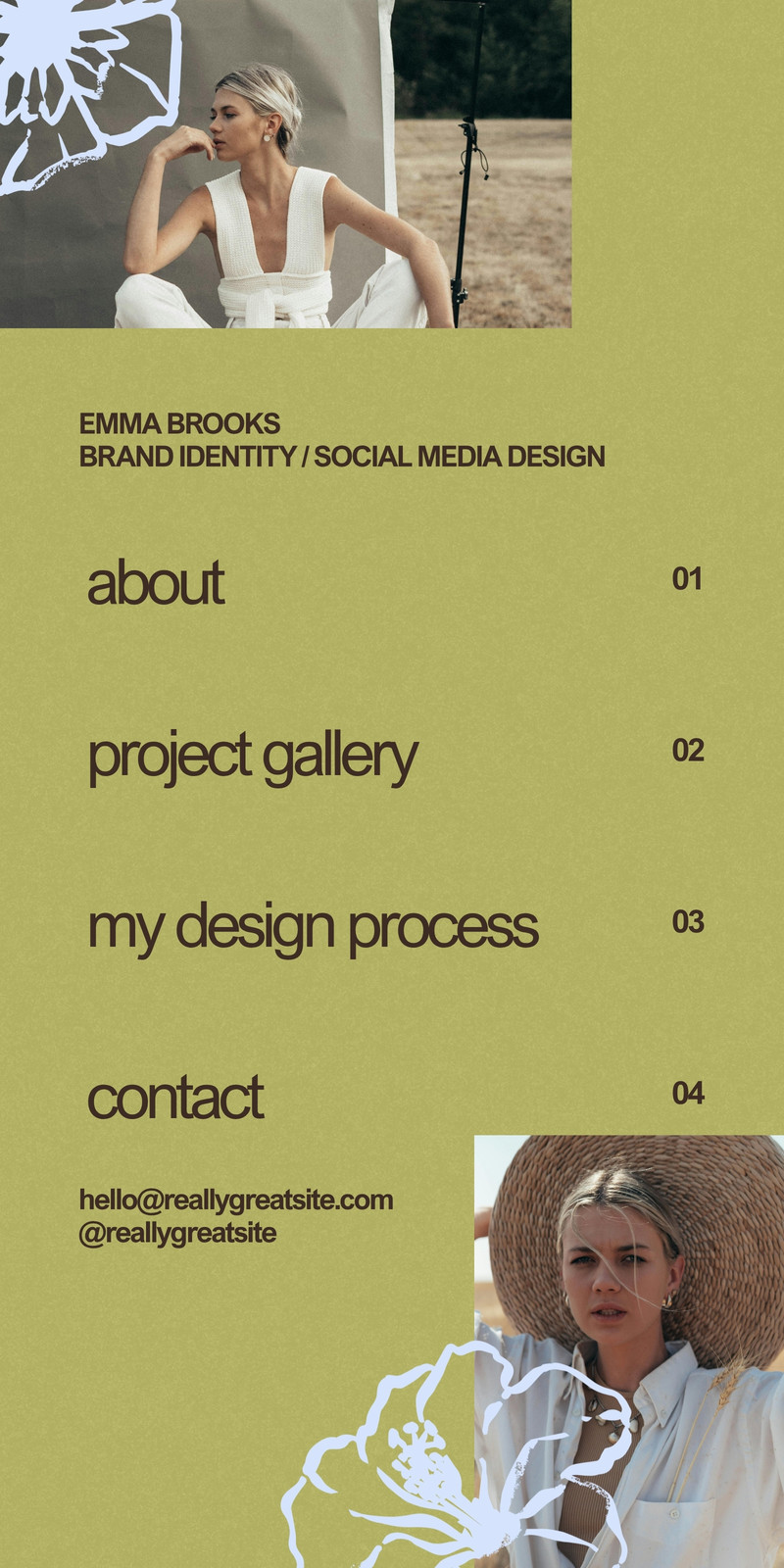
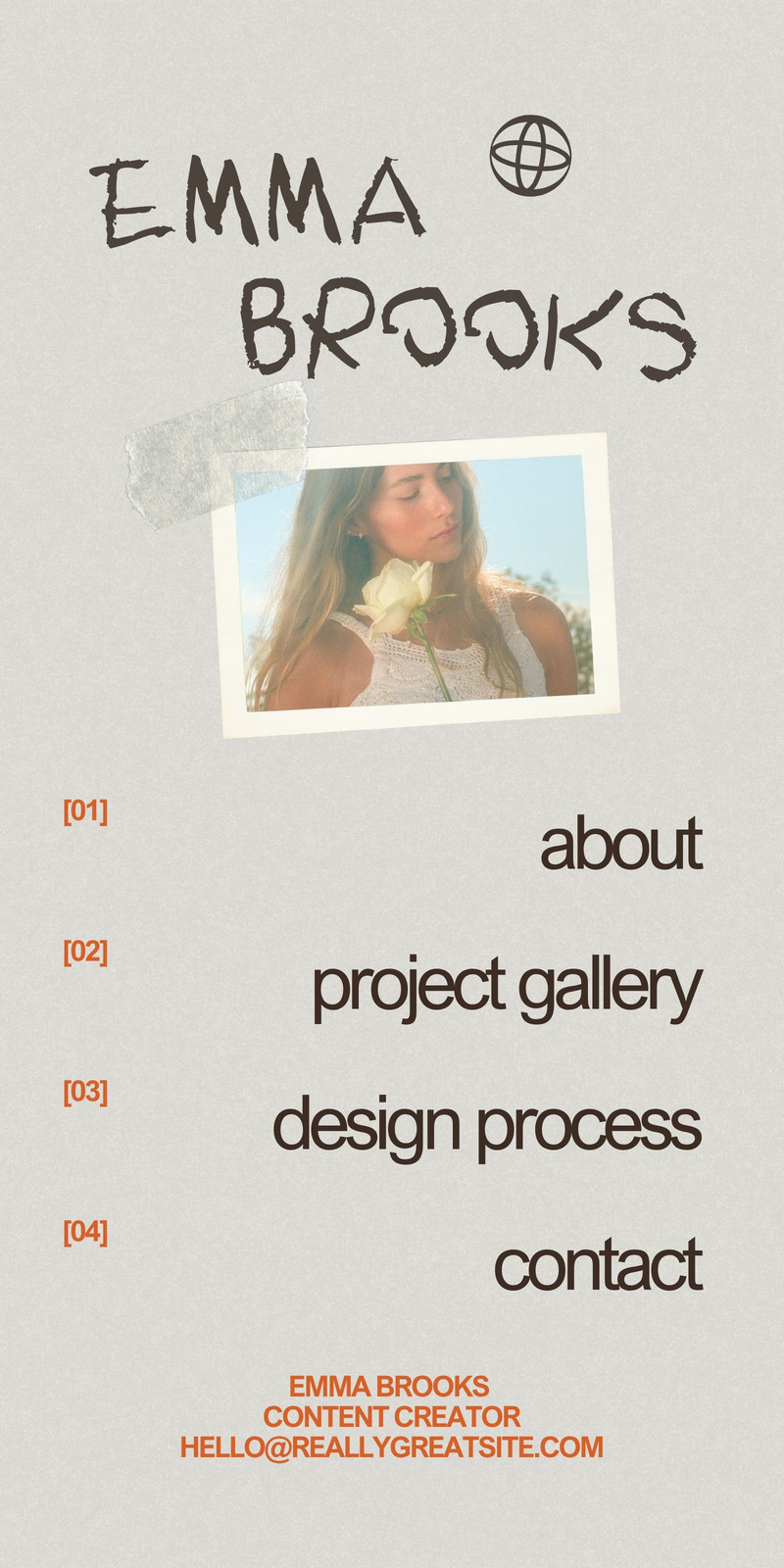
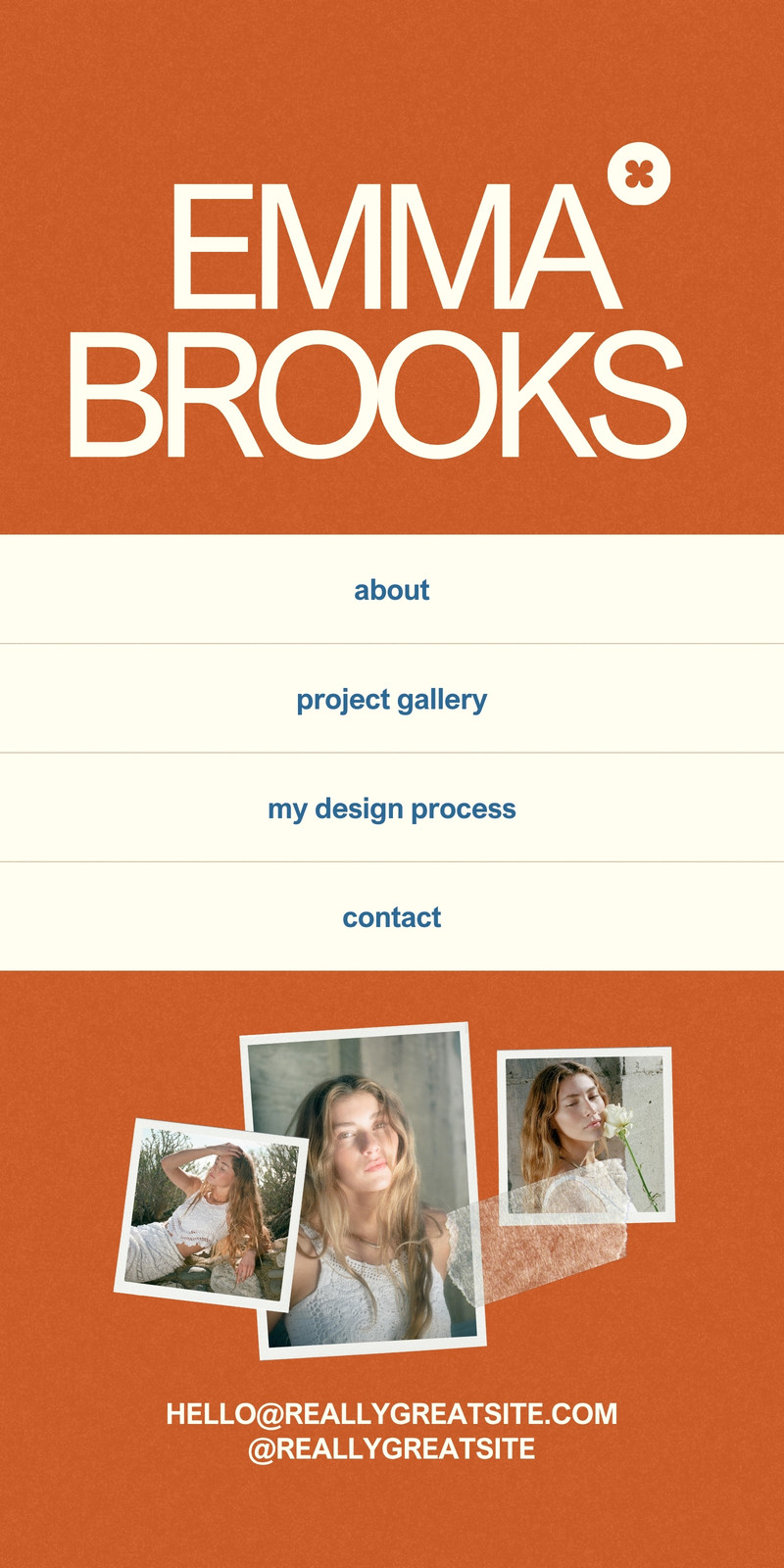
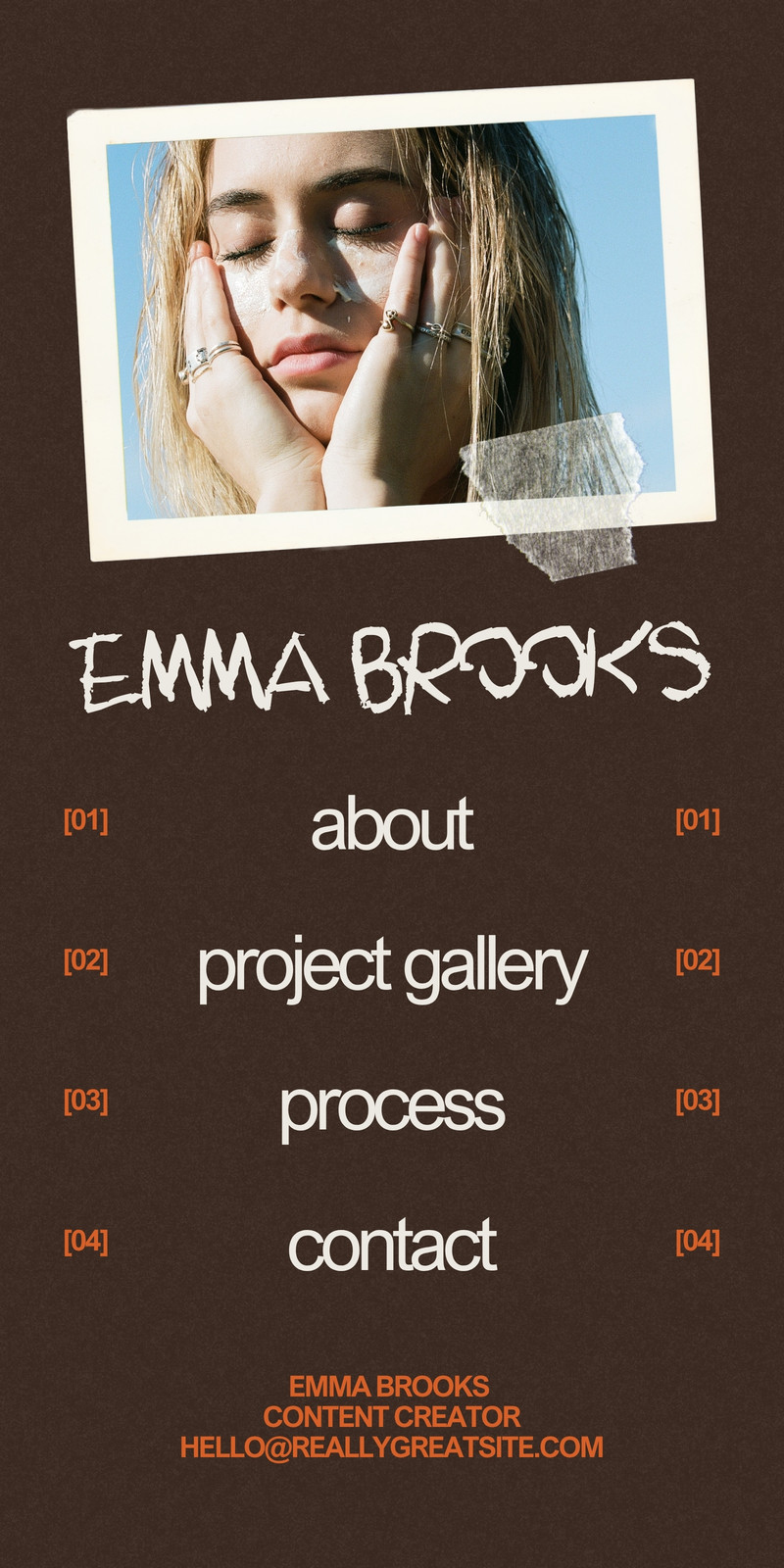
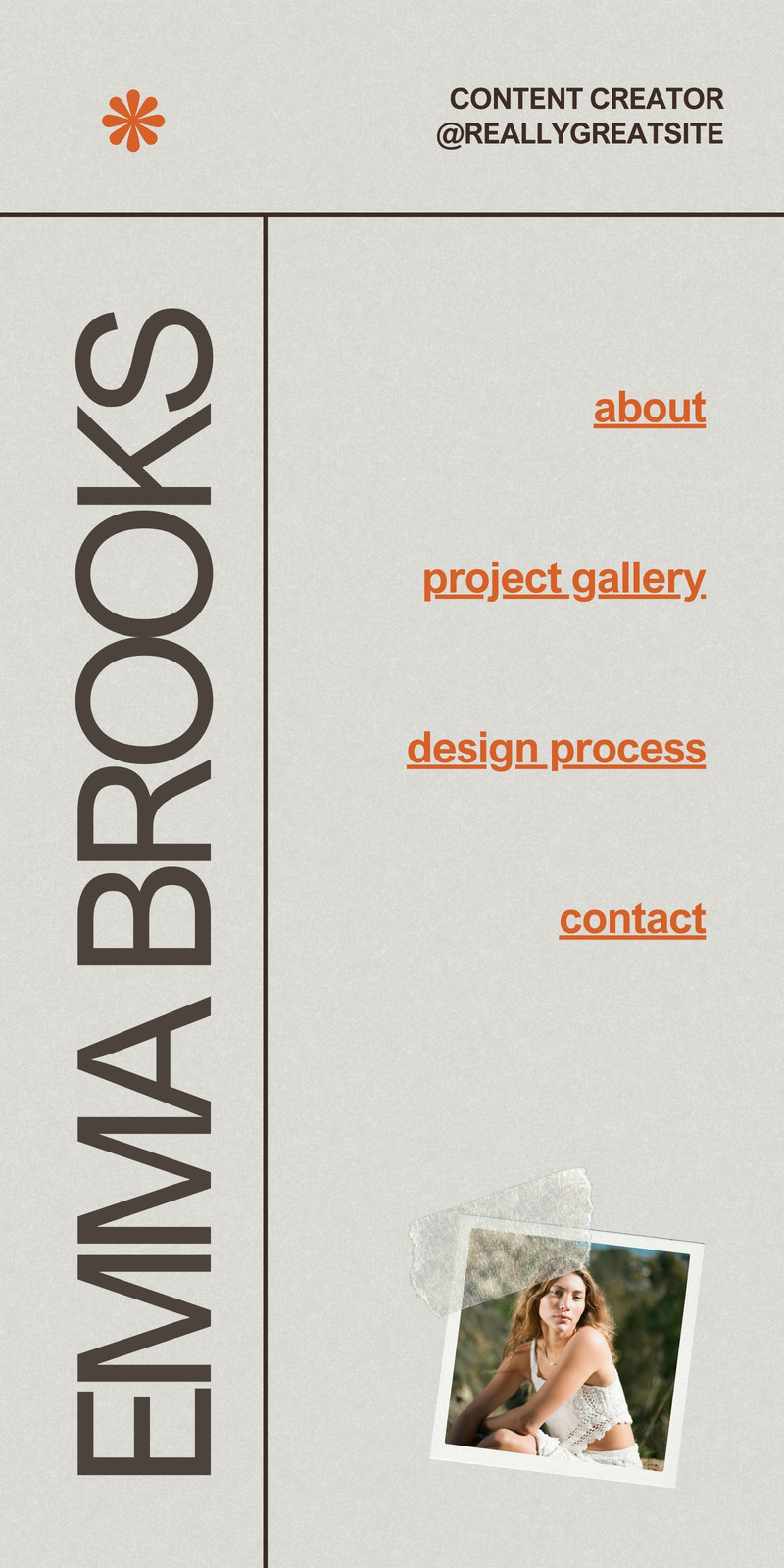
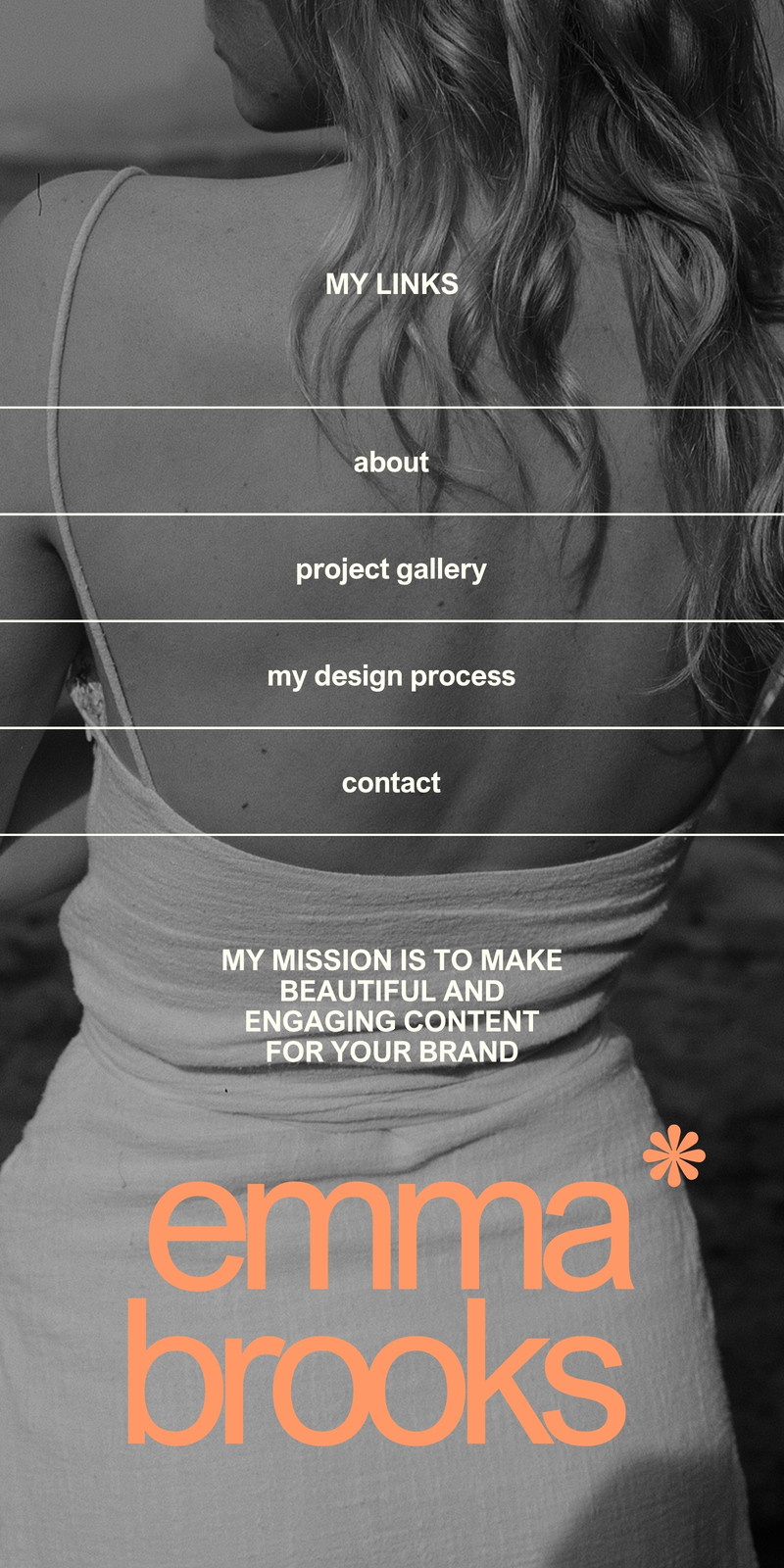
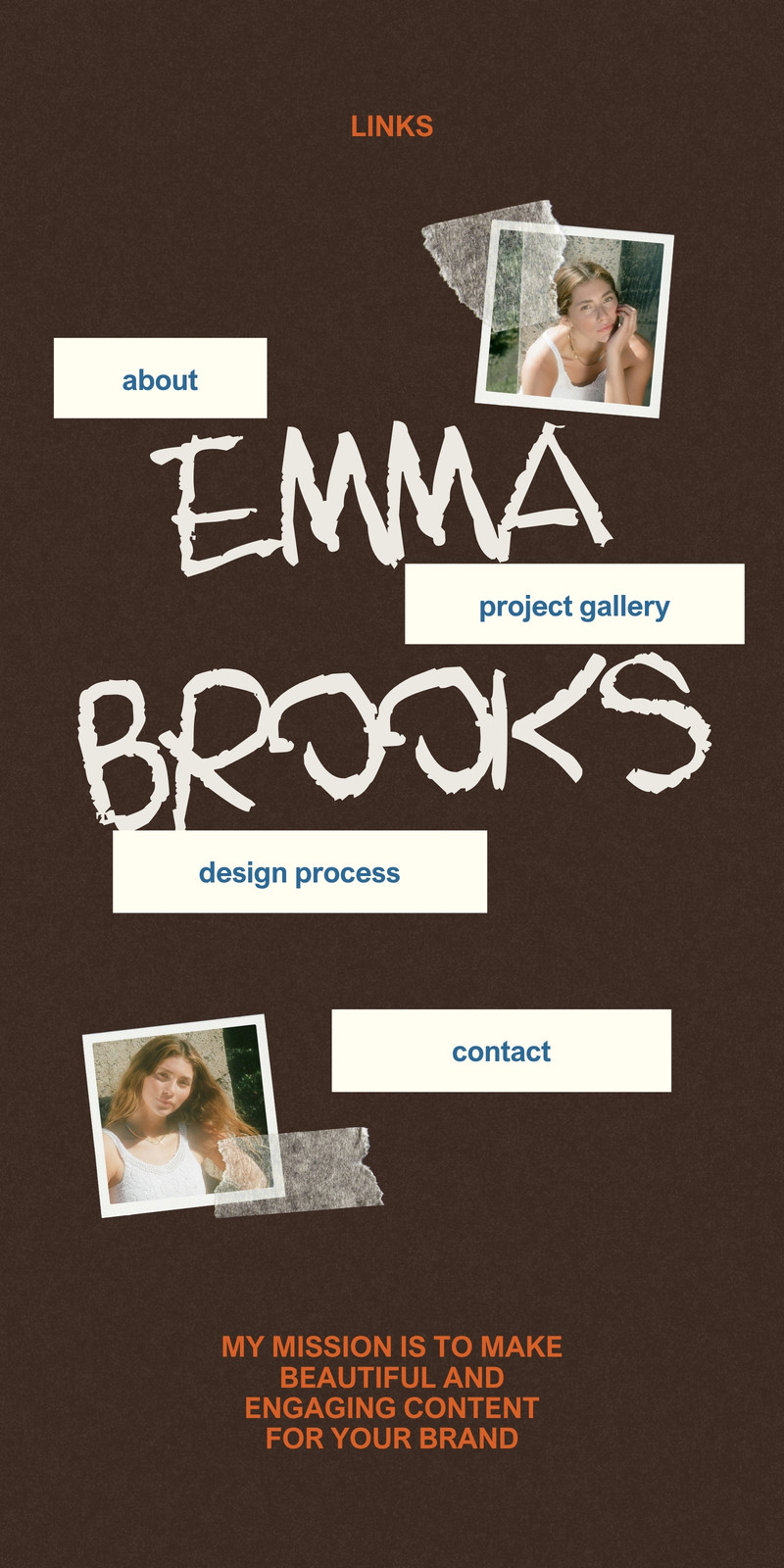
Try our free Canva link in bio templates

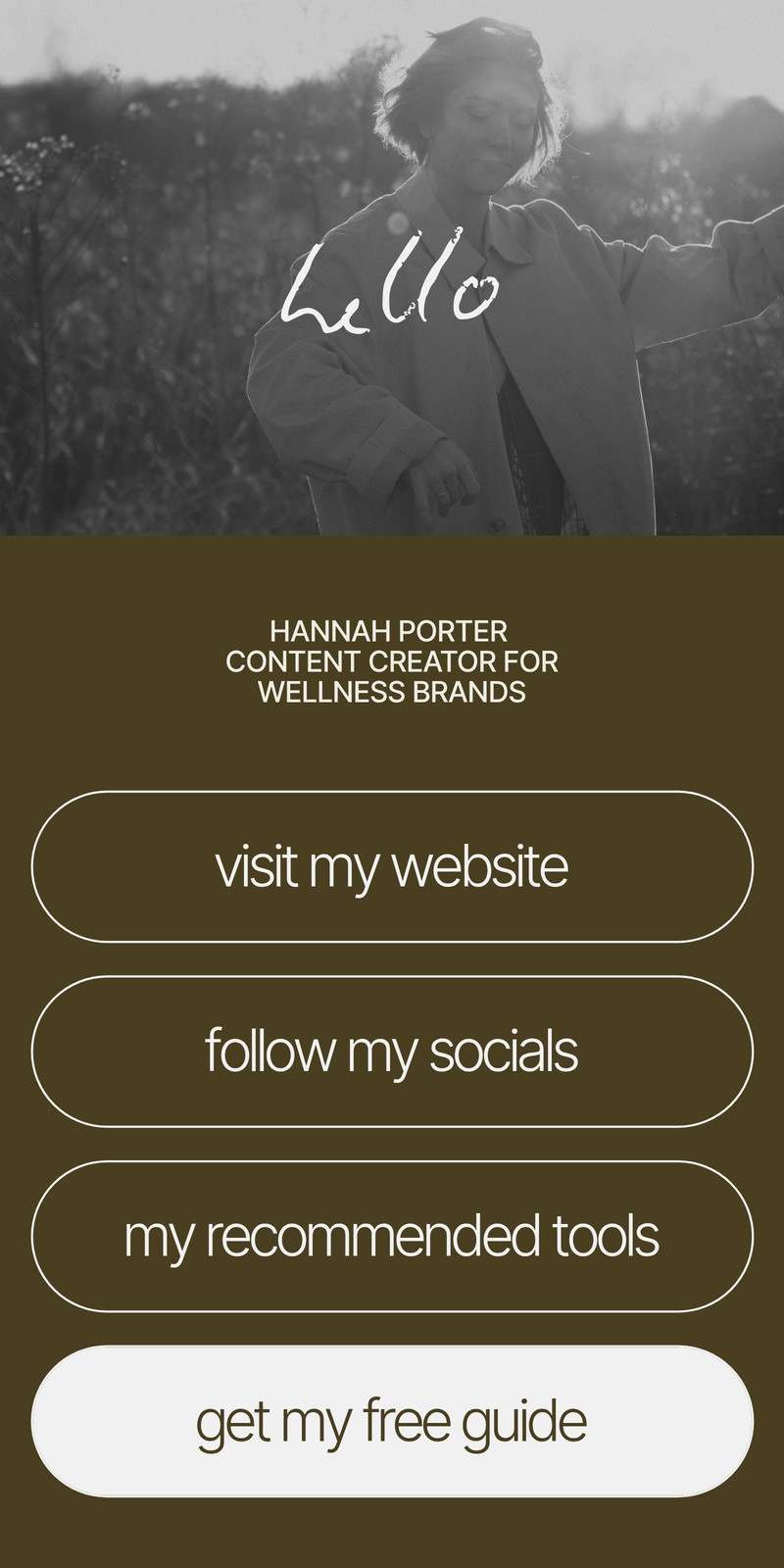
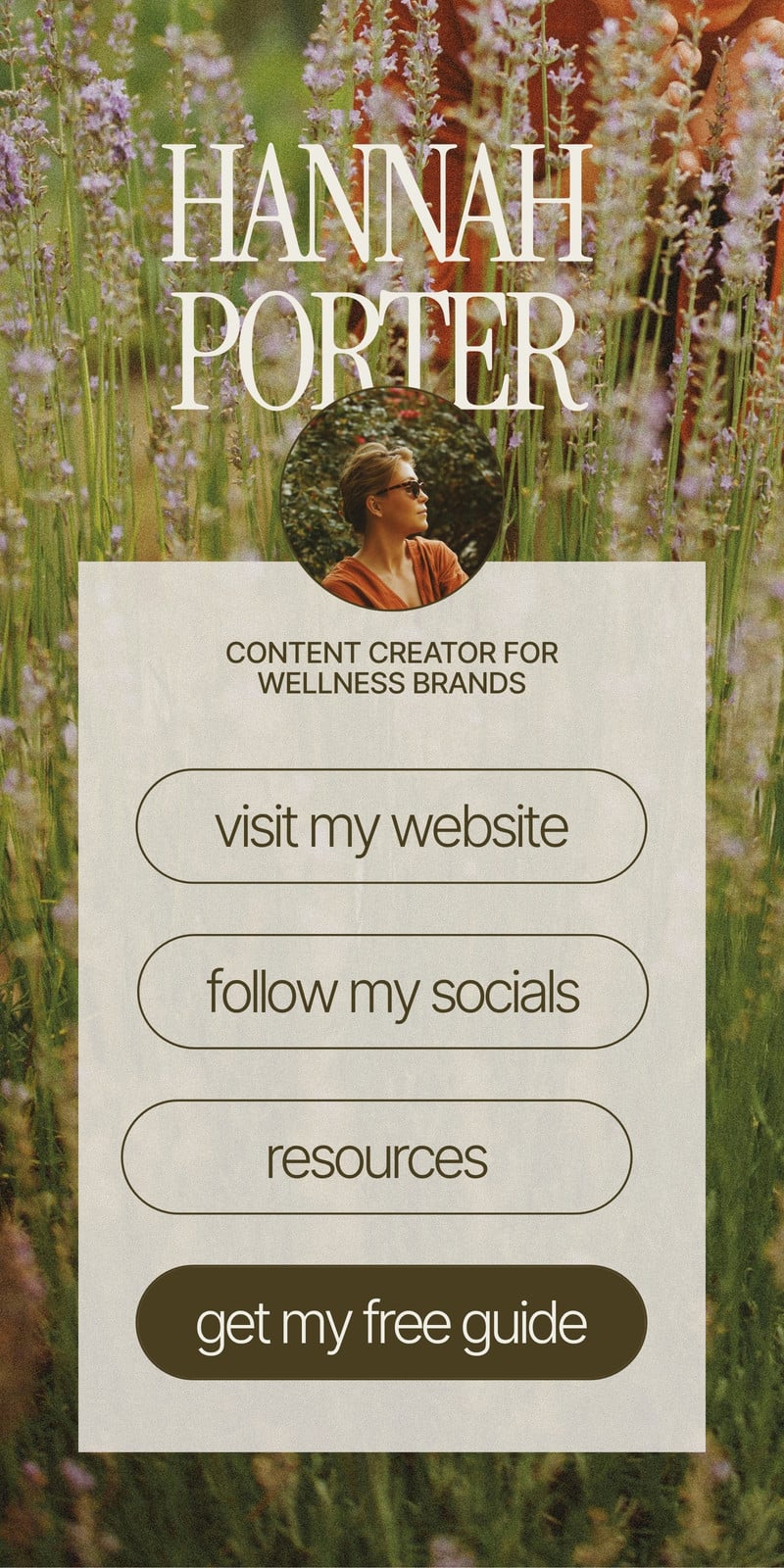
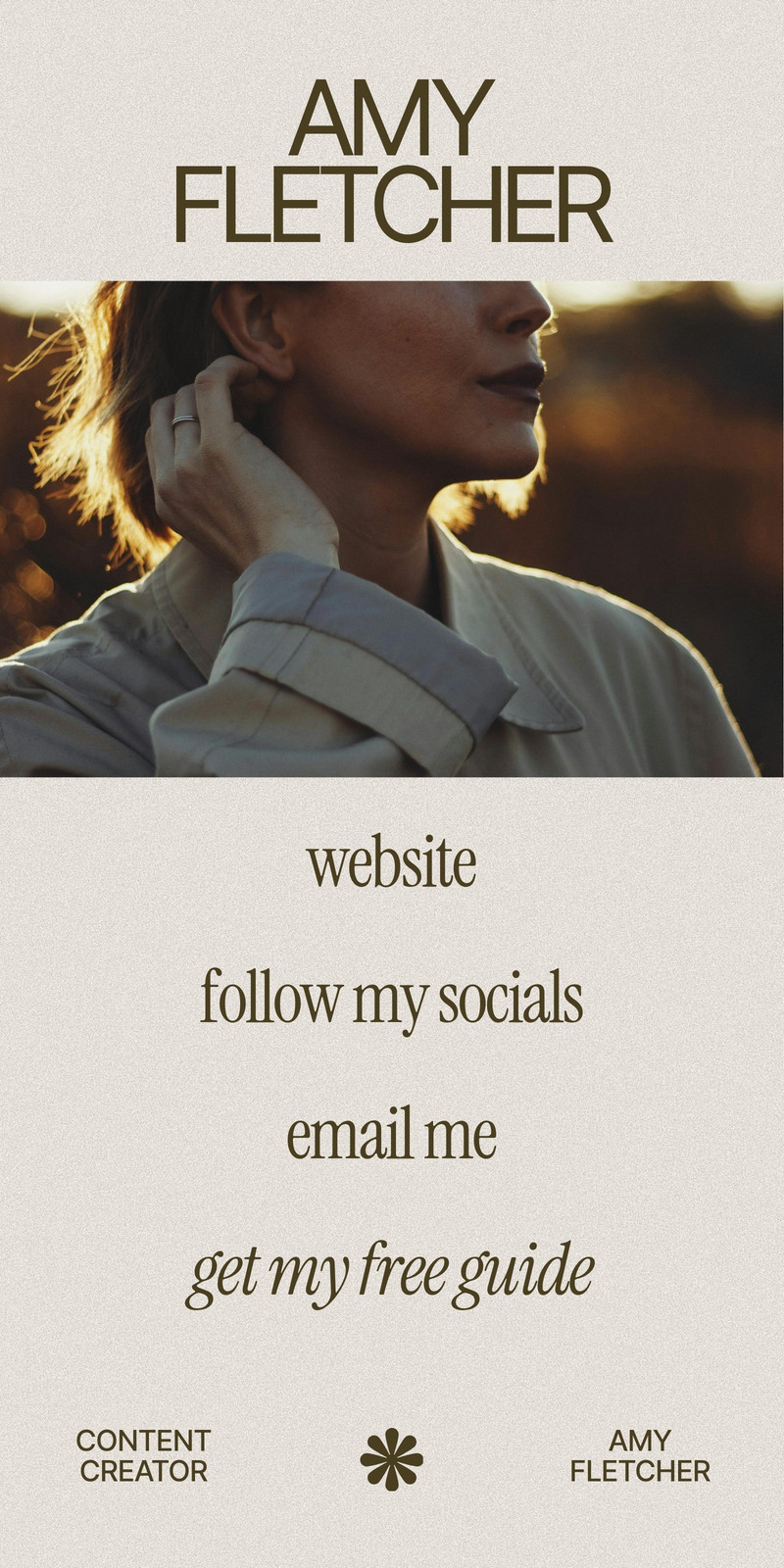
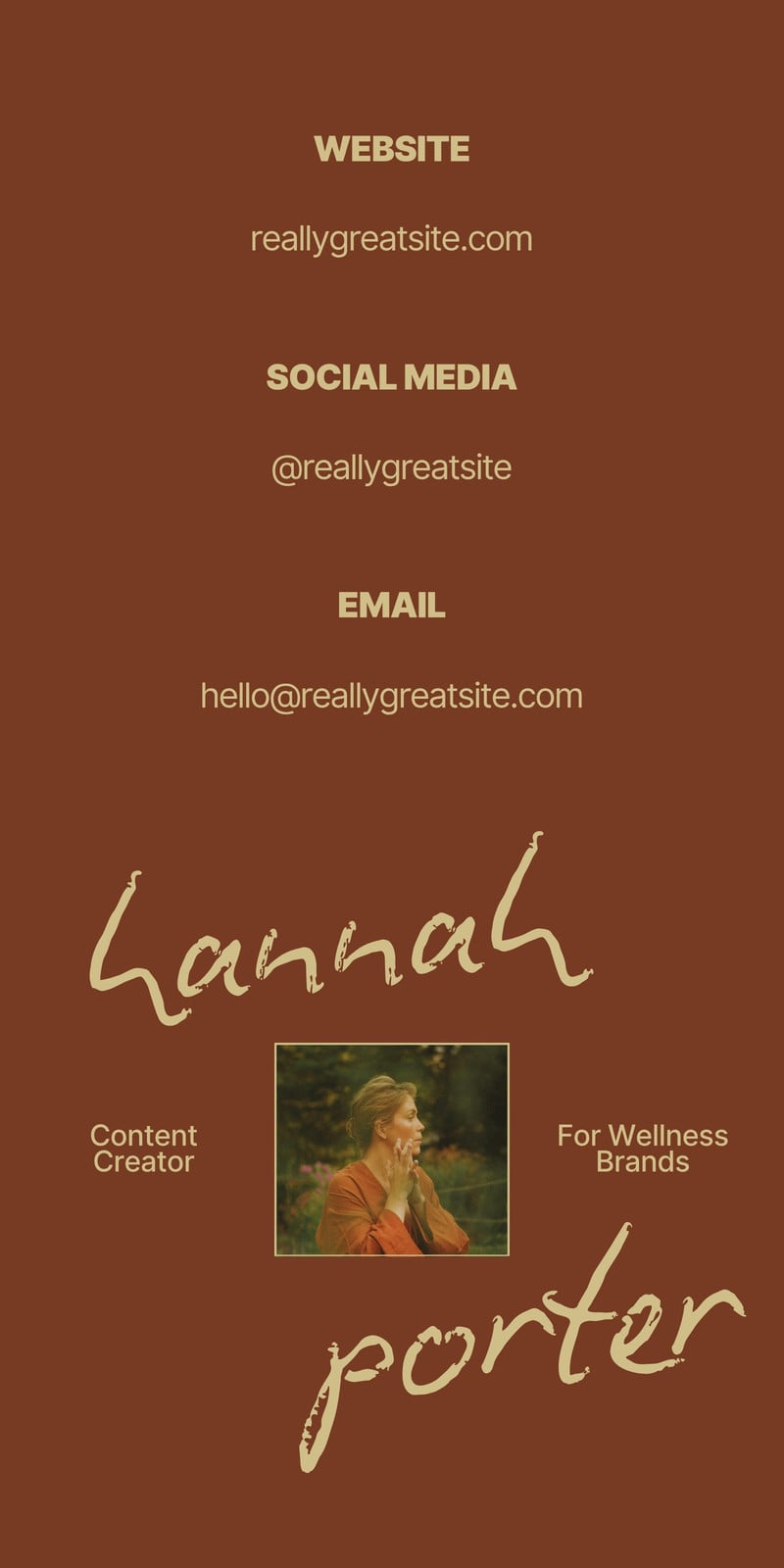
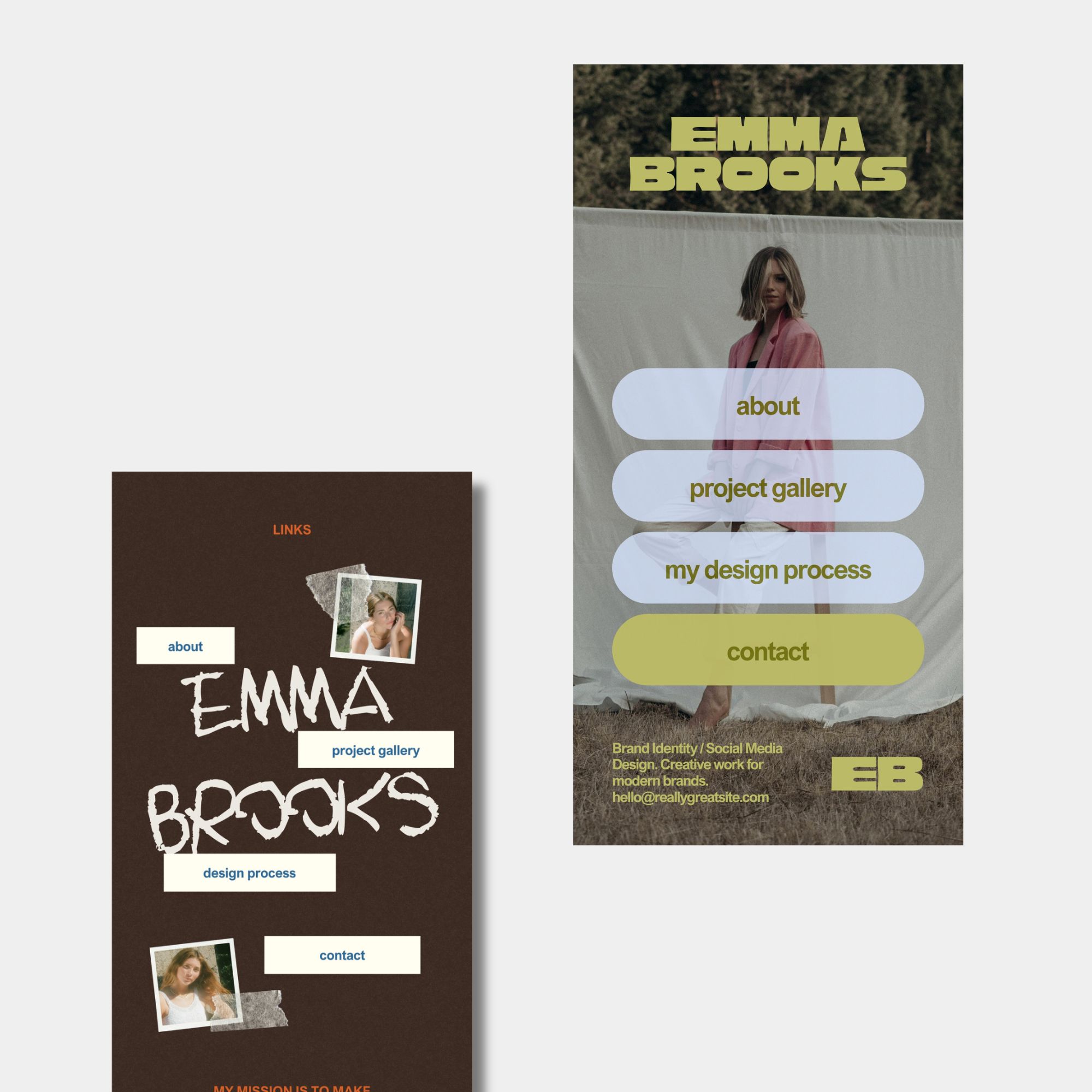
We’ve created templates you can customise for your own page. Every template featured in this collection is free.

Choose a layout you like, change the colours and fonts, and replace the sample text with your own. Add a photo or logo to help people recognise you when they arrive.

You don’t need to decide on every detail before you begin. Start with a short introduction and a few useful links.

What should you put on your link in bio page?

Start with the things people most often ask you for.
  • For small business owners: Your shop, product catalogue, ordering information, and contact page.
  • For freelancers: Your portfolio, services, enquiry form, and booking page.
  • For content creators: Your latest post, newsletter, collaborations page, and social profiles.
  • For teachers or community groups: Your resources, event registration, announcements, and contact details.
You don’t need to include everything. A shorter list can make it easier for visitors to choose.

One small trick: put the link you most want people to visit first. If you’re opening workshop registrations, move that button to the top while registration is open.

How to use a Canva Mobile Website template

  1. Open a template.
    Choose one of our free templates from the collection above.

  2. Make it yours.
    Replace the sample name, introduction, and photos. Adjust the colours and fonts to suit your brand.

  3. Add your links.

    Edit the buttons and enter the destination URL for each one. Use clear labels such as “Browse the shop,” “View my portfolio,” or “Join the newsletter.”

  4. Check the page.
    Preview your design, read through the text, and make sure each button has the right link.

  5. Publish and share.
    Publish your Mobile Website, then add its address to your social media profile. Open the published page on your phone and test every link.

Note : Canva’s current guidance says Mobile Website and Link in Bio templates publish to a canva.link address. Custom domains aren’t supported for this design type. If you need a custom domain, Canva directs users to a standard Website design instead.

Give your links a home

If you’ve been meaning to tidy up your link in bio, this is a simple place to start.

Pick one of our free Canva Mobile Website templates, add the links your audience needs, and make it your own. You can come back and update it as your work changes.

Browse the templates above and try your favourite for free.

xo, kaye & gerard

share the article on
Facebook
Pinterest
Email

free resources

Create a cohesive brand and gain instant access to FREE resources for female entrepreneurs when you sign up to our mailing list.